


Overview of Common Stains
Full overview of the most common stains, including how to identify them and treat them
A CRM is more than just a tool - it’s the backbone of your sales funnel. It helps you manage leads, improve follow-ups, and connect marketing efforts to revenue. Businesses using CRMs report an $8.71 return for every dollar spent, a 29% sales boost, and a 34% productivity increase. Here’s a quick breakdown of what makes a CRM effective:
The right CRM doesn’t just manage data - it helps you grow. Start simple, focus on automating repetitive tasks, and expand features as your team gets comfortable.

CRM ROI Statistics and Key Performance Metrics for Sales Teams
Finding a CRM that your team will actually use is key. Research indicates that between 63% and 75% of CRM projects fall short of expectations because teams fail to adopt the tool. Jeroen Corthout, CEO at Salesflare, simplifies it:
"The best CRM is the one that aligns with your sales process. If it forces you to change how you work, it's probably not the right fit".
Start by prioritizing integration capabilities. Your CRM should work seamlessly with tools like Gmail, Outlook, calendars, LinkedIn, and any industry-specific platforms you rely on, such as e-signature software or scheduling tools. If you're in home services, this might include job management systems or payment processors to avoid tedious manual data entry.
Automation is another must-have. Look for features that automatically capture leads, send follow-ups, and create tasks. This helps prevent missed opportunities and saves time. For teams on the move, mobile access is critical - it ensures they can update deals and access client details anytime, anywhere.
Cost is another consideration. Entry-level CRMs typically range from $14–$15 per user per month, while more advanced options can climb into the hundreds . Select a system that will grow with your business over the next three to five years without becoming overly complex.
Before committing, test the CRM with real-world data. Use free trials to upload actual leads and simulate transactions. This ensures the tool aligns with your workflow. Involve your sales team early in the process to address their pain points and boost adoption.
Once you've chosen your CRM, set up a pipeline that reflects your actual sales process.
Your CRM pipeline should be built around how your customers make decisions, not just your internal sales tasks. For example, stages like "Problem Confirmed" or "Budget Approved" are more insightful than generic steps. Most businesses find that five to seven stages strike a good balance between clarity and efficiency.
Each stage should have clear entry and exit criteria. For instance, move a lead to the "Proposal Stage" only after confirming their budget, decision-maker, and timeline using the BANT framework (Budget, Authority, Need, Timeline). Assign realistic close probabilities to each stage based on your historical data. Companies that define and manage their sales process well report 18% faster revenue growth.
Customize your CRM fields to capture what matters most. For example, fields like "Lead Source", "Key Pain Point", or "Competitor Mentioned" can improve follow-ups and forecasting. Home service providers might track details such as "Service Type", "Property Size", or "Preferred Start Date." Also, set up alerts for deals with no activity in 14 days, prompting your team to re-engage or review.
Once your sales funnel is ready, focus on a smooth data migration process. Start by cleaning and standardizing your data. Remove duplicates, outdated records, and incomplete entries, and take a pre-migration snapshot so you can roll back if needed. Standardize formats for phone numbers, email addresses, and company names to ensure consistency. As HubCentrik advises:
"Clean data establishes trust and drives adoption".
Map old data fields to match your new CRM structure. Import data in stages - begin with contacts, then companies, and finally deals. This approach reduces errors and keeps relationships intact. Run a small pilot test before a full-scale import to catch any issues early.
Before launching, define user roles and permissions to protect sensitive information. For example, set different access levels for Sales, Marketing, and Admin teams. Connect essential tools like email, calendars, and marketing platforms to create a unified system. Test the entire customer journey - from capturing a lead to closing a deal - to ensure all automations and workflows operate smoothly.
Michael Scheiner from CRM.org puts it well:
"A CRM implementation will succeed only when it's planned like a project, not just a software install".
Avoid overcomplicating things at the start. Stick to a basic, functional setup and gradually introduce advanced features based on user feedback. A typical implementation timeline includes Planning & Preparation (1–2 weeks), Initial Setup (1–2 weeks), Training & Adoption (2–4 weeks), and Advanced Implementation (1–3 months). The goal is to get your team using the system consistently before adding more layers of complexity.
Sales reps spend 71% of their time on manual data entry - time that could be better spent closing deals. Automation flips this dynamic. By integrating tracking pixels, web forms, and AI chatbots with your CRM, you can capture leads from sources like paid ads, SEO landing pages, and social media in real-time. The moment a form is submitted or an ad is clicked, the lead's details flow directly into your CRM, eliminating the need for manual input.
Automation doesn’t stop at capturing data; it also enriches it. CRMs can automatically add firmographic details like company size, revenue, and tech stack, while also verifying email addresses before saving the lead. This ensures clean, reliable data from the start and protects your sender reputation. Deduplication rules further streamline the process by consolidating duplicate records using email or domain verification.
Lead scoring also benefits from automation. The system assigns scores based on fit (how well the lead matches your Ideal Customer Profile) and intent (actions like visiting a pricing page or requesting a demo). High-scoring leads are routed instantly to the right sales rep, using criteria such as territory, industry expertise, or round-robin distribution. Businesses that automate these workflows report a 40% drop in customer acquisition costs and a 25% faster sales cycle.
"The goal of automation isn't to replace salespeople; it's to empower them. By removing repetitive tasks, you free up your team's most valuable asset: their time to connect with customers." - AddToCRM.com
To further enhance response times, set SLA timers in your CRM to notify managers if a lead isn’t contacted within 60 minutes. Reaching leads within five minutes increases conversion rates by 3x compared to waiting 30 minutes. Progressive profiling, where forms ask new questions each time a lead returns, helps gather more information gradually without overwhelming prospects.
This automated foundation ensures you’re working with clean, enriched data and sets you up to identify and prioritize high-value leads.
Defining your Ideal Customer Profile (ICP) is the first step in identifying high-value leads. Use data from your top 20% of customers by lifetime value to uncover patterns in factors like industry, company size, revenue, and job titles. These patterns form the backbone of your scoring system.
Adopt a dual scoring model: explicit scoring for lead-provided data (e.g., job title, company size) and implicit scoring for behavioral signals (e.g., email opens, content downloads, pricing page visits). Incorporate negative scoring as well, deducting points for factors like competitor employees, personal email addresses in B2B contexts, or unsubscribes.
To keep your pipeline fresh, apply time-based score decay - reduce a lead’s score by 25% each month if there’s no new activity. This ensures your team focuses on engaged prospects rather than chasing cold leads. Set your MQL (Marketing Qualified Lead) threshold to capture the top 20% of leads by score, often ranging from 50 to 75 points on a 100-point scale.
Tailor your qualification framework to your sales cycle. BANT (Budget, Authority, Need, Timeline) works for straightforward products, CHAMP (Challenges, Authority, Money, Prioritization) suits consultative selling, and MEDDIC (Metrics, Economic Buyer, Decision Criteria, Pain, Champion) is ideal for complex enterprise deals. Don’t overlook customer referrals - they convert 3 to 4 times more often than cold signups and should be prioritized.
These scoring and qualification processes feed directly into your CRM, enabling precise follow-ups and better pipeline management.
Once leads are captured and scored, efficient routing ensures they’re followed up on quickly. Automated lead routing assigns inquiries based on geography, industry, or product interest. Round-robin distribution balances workloads, while performance-based rules prioritize high-value leads. CRMs integrated with calendars can skip over reps who are out of office or have hit their active lead limit. Companies that respond to leads within an hour are 7x more likely to qualify them.
Pipeline stages should reflect buyer decisions, not seller activities. Instead of using terms like "Demo Scheduled", opt for stages like "Problem Confirmed" or "Budget Approved". Define clear entry and exit criteria for each stage. For example, a lead moves to "Solution Presented" only after the champion accepts your proposal. This approach improves forecasting accuracy and keeps deals from stalling.
Set up stale deal alerts to flag opportunities with no activity for 14 days or more. Standardize your follow-up cadence: Day 0 for the first response, Day 1 for a second attempt, Day 3 for a check-in, and Day 7 for a final attempt or transition to a nurture sequence. Dedicate 30 minutes weekly to reviewing unassigned leads, stuck deals, and response time delays.
"Lead assignment is no longer a back-office task. It is a frontline revenue lever." - Ethan Davon, Tech Writer, SparrowCRM
The first interaction with a lead can make or break the chance of conversion. Did you know responding to a lead within minutes can double your chances of securing a meeting?. To make this process seamless, integrate your CRM with tools like web forms, live chats, social media ads, and even CSV files. This not only eliminates manual entry errors but also enables automatic data enrichment, pulling in details like firmographics and technographics.
Tagging leads by their original source - whether it’s organic search, paid ads, referrals, or offline events - gives you insight into which channels bring in the most engaged prospects. You can also track their initial activities, such as time spent on key pages or the number of visits, to gauge interest. For example, organic search can drive up to 85% of a website's traffic. Knowing if a lead found you through SEO or a paid ad helps you tailor your outreach.
Speed matters. Set up "speed to lead" triggers that send an automated response within minutes. Keep your lead capture forms simple, using only essential fields and plenty of whitespace to reduce friction. Referrals are gold - leads from existing customers are often the highest quality. Make it effortless for customers to share your information and train your support team to flag CRM conversations that might uncover new opportunities or referrals.
Once leads are captured and tagged effectively, the focus shifts to nurturing those relationships.
Now that you’ve captured leads, your CRM becomes the engine for personalized follow-ups. Use behavior-based triggers to automate actions when a lead shows strong interest - like moving someone who visits your pricing page multiple times into a "fast-track" sequence. This approach ensures your outreach is targeted and relevant.
Here’s a staggering fact: 80% of sales require five or more follow-ups, yet 44% of reps stop after just one. To keep leads engaged, share content that addresses their pain points, like case studies, ROI analyses, or comparison guides. Monitor email opens, clicks, and replies in real time to spot engaged leads. Set up deal rot alerts for opportunities with no activity logged over 7, 14, or 21 days.
Avoid sending repetitive "just checking in" emails. Instead, mix things up with educational content, social proof, or offers that create urgency. And when a prospect replies, ensure your automated sequences pause immediately, handing the conversation over to a human for a more personalized touch. Companies that fine-tune their CRM sales funnels can achieve up to a 27% higher close rate.
"Manual follow-ups are like doing cardio with bricks in your shoes. Leads go cold, reps get tired, and deals slip away."
– Nitish Chauhan, Author, Smartlead
After consistent nurturing, the focus shifts to closing deals with precision.
At this stage, momentum is everything. Use triggers in your CRM to automatically advance deals when specific criteria are met - like a prospect opening a proposal or verbally committing. Make sure your pipeline stages reflect buyer milestones rather than seller activities. For instance, replace "Demo Sent" with "Evaluation Criteria Agreed" to better track progress.
AI-driven deal scoring can help you assign risk ratings based on signals like email open rates, stakeholder involvement, and recent activity. For forecasting, rely on weighted calculations - like multiplying deal values by close rates for each stage (e.g., 75% for "Proposal Under Review" and 90% for "Verbal Commit"). This replaces guesswork with data-backed projections. To maintain a clean pipeline, disqualify or archive deals with no activity after 30 days.
Automate quote generation through CRM integrations to instantly create proposals and payment links, keeping the momentum alive during final negotiations. Regular pipeline reviews, using tools like "Stage Duration Analysis", can help pinpoint where deals are stalling and guide coaching efforts. Additionally, track loss reasons in your CRM to understand if deals are slipping due to pricing, competition, or other factors. With accurate CRM data, win rates for qualified opportunities can reach 45%, compared to just 15% without it.
"A well-managed sales pipeline is the single most important tool for forecasting revenue. It lets you see what's coming, spot problems before they blow up your quarter, and focus your energy on the deals that matter most."
– AddToCRM
Once you've fine-tuned your lead capture and assignment processes, it's time to evaluate how well your sales pipeline is performing. Your CRM acts as a diagnostic tool, highlighting what’s working and where you might be losing momentum in your sales funnel. Start by monitoring your pipeline coverage ratio, which measures the total pipeline value against your sales targets. Ideally, this ratio should fall between 3:1 and 5:1, offering enough buffer to meet your goals even if some deals don’t close.
Another crucial metric is your win rate, which shows the percentage of deals you successfully close. For B2B SaaS companies, this typically ranges between 20-30%. Additionally, tracking stage conversion rates can help identify where potential customers are dropping off in your funnel. To gauge how quickly your pipeline is moving, calculate pipeline velocity using this formula:
(Deals × Average Deal Size × Win Rate) ÷ Sales Cycle Length.
Interestingly, only 37% of sales teams effectively leverage CRM data for performance improvements, yet businesses using advanced sales analytics see 73% higher revenue growth compared to those relying on basic reporting. Another key metric to watch is the stale deal percentage - the share of opportunities with no activity for over 30 days. Keeping this below 15% helps prevent an inflated and inaccurate pipeline.
| Metric | What It Reveals | Benchmark Target |
|---|---|---|
| Pipeline Coverage Ratio | Safety margin for meeting quotas | 3:1 to 5:1 |
| Win Rate | Success rate of closing deals | 20-30% for B2B SaaS |
| Lead Response Time | Speed of initial customer contact | Under 5 minutes |
| Stale Deal Percentage | Inactive opportunities in the pipeline | Below 15% |
CRM data doesn’t stay fresh forever - it deteriorates at an average rate of 22% per year. For instance, email addresses can go stale by 30% annually, phone numbers by 25%, and job titles by 20%. Without regular maintenance, outdated information can lead to poor decisions and unreliable forecasts. To combat this, implement a tiered review system:
Automated alerts for "deal rot" can also be a lifesaver. Set notifications for deals that have gone inactive for 7, 14, or 21 days, depending on your sales cycle, to catch at-risk opportunities before they slip away. Automating data capture - like logging emails and calls - can reduce manual entry by 60-70%, keeping your pipeline both accurate and efficient.
"In sales, clarity is power."
– Ivan Karp, Managing Director, SyncMatters
Standardizing your data entry practices is another essential step. Use consistent date formats, naming conventions, and complete field entries to ensure your analytics are reliable. Additionally, remove leads that have lingered beyond your average sales cycle length by more than 30 days to maintain accurate forecasts. For even better predictions, consider weighted pipeline forecasting based on historical win rates, which can improve accuracy by 25% compared to flat probability estimates.
With a well-maintained CRM, you’ll have a solid foundation to drive revenue growth.
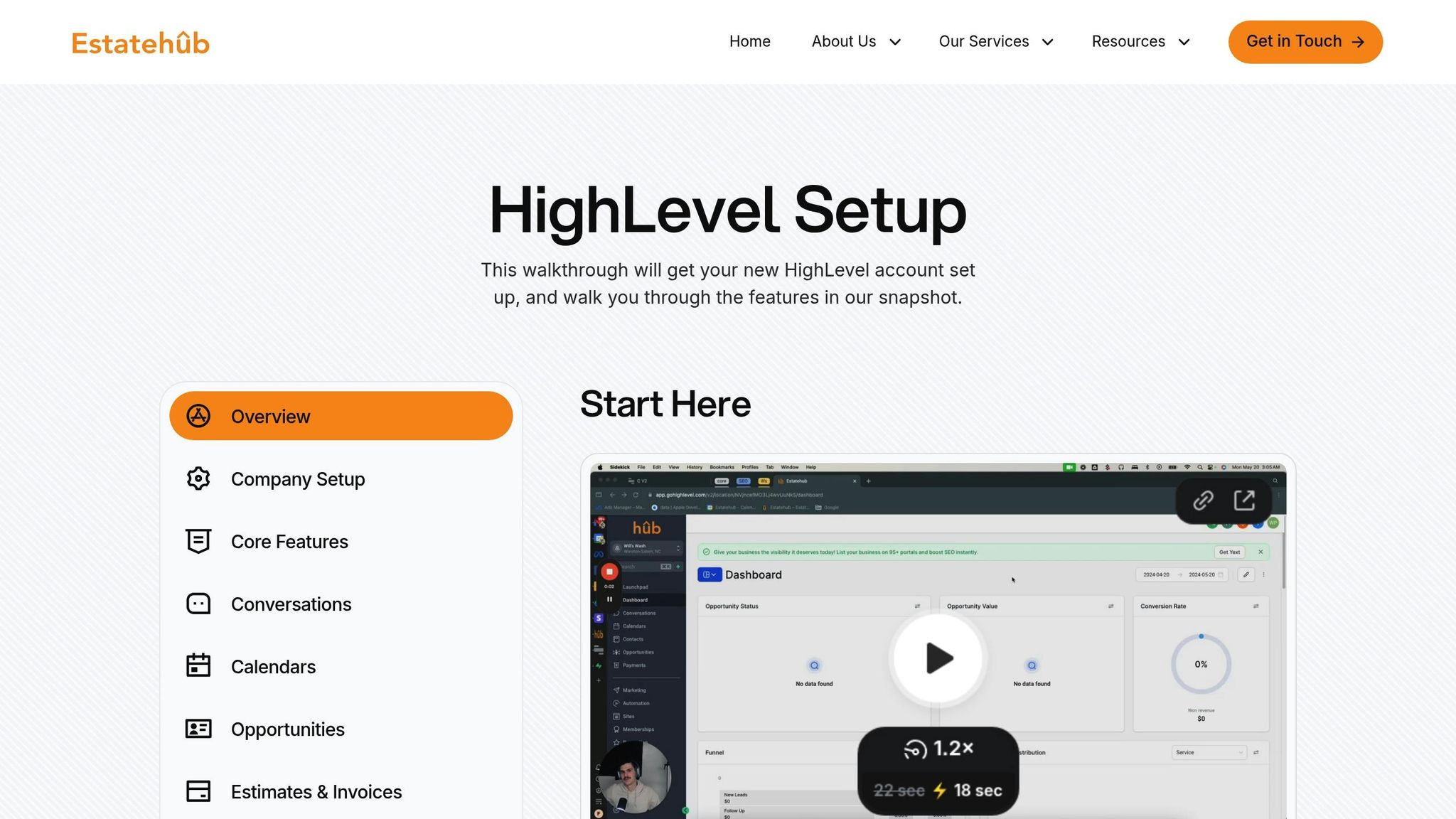
Estatehub’s Premium plan builds on these best practices, offering tools to streamline your sales funnel and maximize efficiency. Its integrated HighLevel CRM automatically captures leads from multiple sources - such as paid ads, SEO, and website forms - eliminating the need for manual data entry. This allows your team to focus on closing deals instead of managing spreadsheets.
The platform also syncs marketing data with your CRM, helping you track which efforts - like specific keywords, blog posts, or calculators - are driving revenue. Considering that organic search can account for up to 85% of website traffic, knowing what turns visitors into customers is invaluable. Estatehub’s Premium plan continuously refines your sales funnel with unlimited campaign adjustments based on real-world data.
Features like automated lead follow-ups and health scoring for at-risk deals ensure no opportunity is overlooked. Task workflows provide a consistent, professional experience for every lead, making Estatehub an effective tool for scaling home service businesses with precision and ease.
A CRM acts as the central nervous system for your sales process. When connected seamlessly with tools like website forms, call tracking, and ad platforms, it pulls together scattered data to give you a clear picture of your performance. This clarity is what allows you to identify which ad spend is driving revenue, making it easier to shift from stagnation to confident growth. By streamlining your data, a CRM lets you focus on scaling your business rather than getting bogged down in administrative tasks.
For home service professionals, a well-set-up CRM can save 15 to 20 hours per week on repetitive tasks while also boosting deal closure rates. And with 91% of companies with 11 or more employees already using a CRM, it’s clear that these systems are no longer optional - they’re essential. The real question is whether you’re leveraging yours effectively.
Here’s the bottom line: integration outweighs features. A simple CRM that captures leads automatically, triggers follow-ups, and tracks the customer journey will outperform a complex system that doesn’t connect to your other tools. Start with the basics, like managing contacts and setting up automated reminders. Once your team is comfortable, you can expand to advanced features like closed-loop reporting. The more integrated your CRM, the better it supports scalable growth.
For home service providers ready to ditch spreadsheets and sticky notes, a properly implemented CRM provides the structure to grow without the chaos. Whether you’re handling 50 leads or 500, the right system ensures nothing slips through the cracks and every marketing dollar stretches further. Use the checklist above to ensure your CRM integration delivers maximum ROI.
To find the right CRM for your business, start by pinpointing your specific needs - like lead capture, automation, or analytics. A good CRM should simplify workflows, automate follow-ups, and provide a clear view of your customer journey. Make sure it integrates seamlessly with the tools you already use and offers options for customization to suit your unique processes. Taking advantage of free trials is a smart way to test how well a CRM fits into your workflow and improves your sales funnel.
Sales funnels in your CRM typically include stages like prospecting, qualification, quoting, closure, and the final result - whether a deal is won or lost. These stages are essential for keeping your team organized, monitoring lead progress, predicting revenue, and fine-tuning the sales process. When each stage is clearly outlined, it becomes much easier to guide potential customers from their first interaction all the way to closing the deal.
To predict revenue effectively, certain CRM metrics are crucial. These include:
Together, these metrics offer a clearer picture of sales performance and make revenue forecasting more precise.
Sign up for the newsletter and be the first to read our articles.


Every single person on our agency team has spent a lot of time in the field either running their own business or working for larger marketing agencies. We have all put in the time responding to leads, helping customers, scheduling and doing services. This gives us a massive advantage when making decisions.
One thing that has always been very special to us, is the fact that (excluding spam / people that never used our services) we do not have any bad reviews. This absolutely does not mean we have never had unhappy clients, but if it happens, we make it right, and stand behind our promises.
We have seen, time and time again, other agencies using strategies and structuring campaigns the way that they are technically supposed to. Most of these "best practices" that are taught in our industry, simply do not transfer into local lead gen. This is partially because we do have a much different target audience, and are typically spending less, however optimizing for website traffic does not work here.
We have been there, jumping into starting a home service business, struggling, and doing everything wrong. It's humbling. Our team has all felt the highs and lows, which is why we get so excited for our clients to win, we know how good it feels.

Estatehub is not a normal agency, we know "clicks" don't get you sales. Let us show you how lead gen experts do it.

