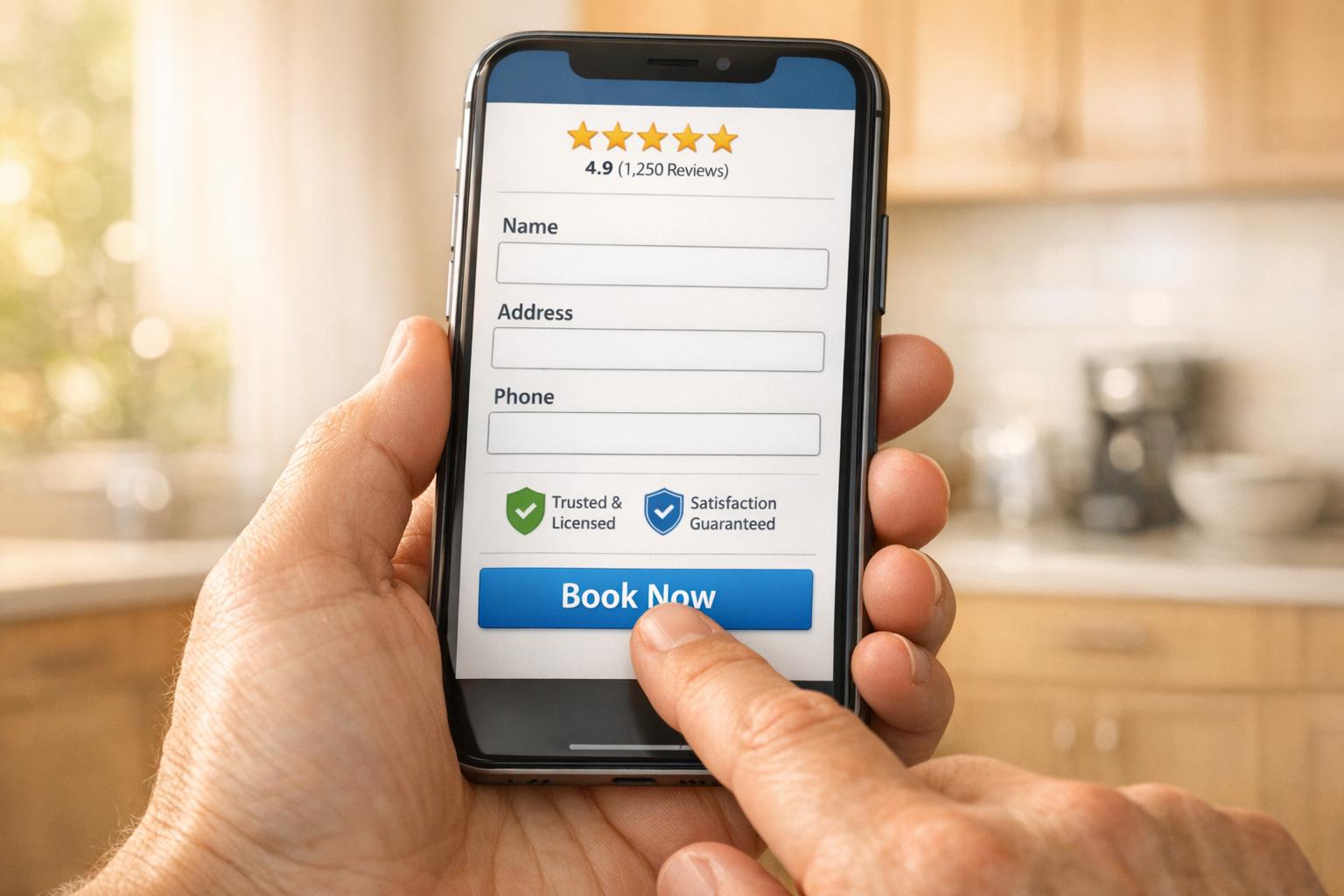
Your website is your most powerful sales tool. With 70% of home service customers booking online and 81% researching before making decisions, a poorly designed site means lost business. Here's how to make your website a lead-generating machine:
- Speed matters: A 1-second delay can reduce conversions by 7%. Aim for load times under 3 seconds.
- Mobile-first design: Over 60% of searches come from mobile devices, and 78% lead to bookings within 24 hours.
- Clear CTAs: Use action-driven phrases like "Call Now" or "Get My Quote" to guide visitors.
- Build trust: Showcase reviews, team photos, and certifications prominently.
- Streamlined forms: Keep them short (six fields or fewer) to avoid frustrating users.
- Track performance: Use tools like Google Analytics and A/B testing to refine your strategy.
The goal? A fast, mobile-friendly site that builds trust and converts visitors into paying customers. Even small tweaks - like faster loading speeds or better CTAs - can boost revenue significantly.

Home Services Website Conversion Statistics and Performance Benchmarks
How To Setup Your Website for Maximum Conversion 2025 for Plumbing, HVAC & Electrical Contractors
Step 1: Review Your Current Website Performance
To improve your website, start by analyzing how it's currently performing. This means diving into the data to understand how visitors interact with your site and identifying areas for improvement.
Metrics That Show How Well Your Website Works
The conversion rate is one of the most important metrics to track. It measures the percentage of visitors who take a desired action, like calling, filling out a form, or booking a service. For home service websites, a conversion rate between 2% and 5% is considered a good benchmark.
Another key metric is the bounce rate, which shows the percentage of visitors who leave after viewing just one page. A high bounce rate could indicate issues like slow loading times or unclear content. Tools like Google Analytics can help you dig deeper by showing metrics such as average session duration and pages per session, giving you a clearer picture of how engaging your content is.
Speaking of speed, page load time is crucial. Even a one-second delay can drop conversions by 20%. Use Google PageSpeed Insights to measure your site's speed, aiming for load times under 2 seconds. Here’s a real-world example: between October 2025 and January 2026, Tommy Sugo, a gourmet meal company in Perth, revamped their mobile experience and localized their messaging. By tracking their performance with Google Search Console and Analytics, they doubled their conversion rate from 2.2% to 4.6%, reduced their bounce rate by 23%, and gained over 800 email subscribers in just one month.
Also, consider how well your site performs on mobile devices. If more than 57% of your traffic comes from smartphones and tablets, but your mobile conversion rate lags behind desktop, you could be losing valuable leads.
After reviewing these metrics, the next step is to analyze how users interact with your site to uncover specific usability issues.
Finding Problems with User Experience
While metrics like bounce rate and session duration tell you what’s wrong, tools like user recordings can show why visitors are struggling. Your homepage needs to answer four key questions immediately: Who are you? What services do you offer? Why should visitors trust you? And what’s the next step they should take? If these questions aren’t clear, potential customers might leave.
Tools like Hotjar or Microsoft Clarity can help you review session recordings to identify pain points. Heatmaps are another great tool - they highlight which parts of your site are being clicked on (or ignored). For instance, London Commercial Awnings discovered their mobile site was essentially a squished-down version of their desktop site, with overlapping text and tiny buttons. After fixing these issues and adding a sticky "Enquire Now" footer, their mobile inquiries jumped by 129% in just 90 days, and their search rankings improved by 51%.
Make sure your contact information is easy to find. Your phone number should be visible above the fold, and the mobile call button should be within easy reach of a thumb. Running your site through Google’s Mobile-Friendly Test can identify issues like text that’s too small or buttons that are too close together.
Lastly, don’t overlook trust signals. Real photos of your team and equipment can make a big difference. For example, Harrington Movers replaced stock photos with actual pictures of their crew and trucks, which led to a 45.45% increase in conversions. Small changes like these can significantly improve how visitors perceive your business.
Step 2: Build Your Website for Mobile Users First
Why Mobile Optimization Matters for Home Services
When it comes to creating a website that drives conversions, prioritizing mobile users is a must. Think about it: if someone’s air conditioner fails on a scorching summer day or a pipe bursts in the middle of the night, they’re not sitting at their desktop - they’re grabbing their smartphone. In fact, more than 60% of home service searches happen on mobile devices. And these aren’t casual lookers - 78% of mobile local searches result in a purchase or service booking within 24 hours.
Here’s another reason mobile matters: Google uses mobile-first indexing, meaning your mobile site is treated as the primary version for search rankings. If your mobile experience is clunky or slow, your overall online visibility takes a hit. And the stakes are high - 73% of users will switch to a competitor's mobile-friendly site if yours doesn’t meet their expectations. Worse yet, 57% of users won’t recommend your business after a poor mobile experience.
"A bad mobile site screams, 'This company is behind the times.' And people don't trust outdated service providers."
- Mandelyn Miller, Marketing Manager, Hook Agency
The numbers don’t lie: mobile-optimized websites boast 40% higher conversion rates compared to those that aren’t. But speed is critical. If your mobile site takes more than 3 seconds to load, 53% of visitors will leave, and even a 1-second delay can reduce conversions by 7%. When customers are in urgent need of help, they won’t stick around for a slow or confusing site. These stats make one thing clear: a strong mobile strategy isn’t optional - it’s essential.
How to Design for Mobile Devices
Start with responsive design. This ensures your text, images, and buttons automatically adjust to fit any screen size seamlessly. At the top of every page, include a click-to-call button that’s easy to tap with a thumb - it’s a lifesaver for users in a hurry.
Speed is everything. Compress your images using tools like ImageCompressor or WebP, ditch unnecessary plugins and animations, and use lazy loading for content below the fold. A sticky navigation menu or header that stays visible as users scroll can help visitors quickly find contact details or key services.
Keep your navigation simple. A clean hamburger menu often works better than squeezing a full desktop menu onto a small screen. Make sure the essentials - your phone number, service area, and a clear call-to-action - are front and center, visible above the fold. And don’t overcomplicate your contact forms; reduce the number of fields since typing on a small screen can be frustrating.
Finally, test your site with Google’s Mobile-Friendly Test to catch issues like overlapping text or buttons that are too small to tap. Design with mobile users in mind by prioritizing speed, clarity, and easy access to contact options. A well-optimized mobile site ensures customers can connect with you quickly, especially when they need help the most.
Step 3: Convert Visitors with Clear CTAs and Streamlined Forms
Writing Calls-to-Action That Get Clicks
Your call-to-action (CTA) can make or break whether visitors engage or leave. In fact, personalized CTAs perform 202% better than generic ones. Instead of vague phrases like "Submit" or "Learn More", go for direct, action-focused options like "Schedule My Repair" or "Get My Free Quote."
Place your primary CTA prominently above the fold, along with an easy-to-find phone number. For mobile users, design CTAs specifically for touchscreens - consider using a sticky header that keeps a "Call Now" button visible as they scroll.
"The first fold is where you actually convert people."
- Esin Habif, Outbound Marketing Lead, Wix
If you offer emergency services, make it obvious. Adding badges like "24/7 Availability" or "Google Guaranteed" near your CTA can help capture high-intent leads.
A strong CTA is the first step. Pair it with simple, mobile-friendly forms to turn clicks into actual leads.
Making Contact Forms Easy to Complete
Overly complicated forms can scare away potential leads. Keep it simple - stick to six fields or fewer (e.g., name, email, zip code) and gather extra details later.
Since more than 60% of home service searches happen on mobile devices, your form needs to work seamlessly on smaller screens. Use large fields and plenty of spacing to make tapping easy. For more complex services, like HVAC installations, consider breaking the form into multiple steps to avoid overwhelming users.
Where you place the form matters. For urgent services like emergency plumbing, put the form above the fold, right next to your tap-to-call button. For services that require more explanation, position the form further down the page, after showcasing trust-building elements like certifications or reviews. And don’t forget the button text - ditch the generic "Submit" in favor of something like "Get My Free Quote" to highlight the value visitors will receive.
Step 4: Build Trust with Testimonials and Guarantees
Using Customer Testimonials and Reviews
Did you know that 90% of consumers read online reviews before deciding on a home service provider? Yet, many websites tuck these testimonials away on separate pages that visitors rarely explore. Instead, make your reviews work harder by placing them front and center on high-traffic pages like your homepage, service pages, and contact pages. This way, they directly support the claims you're making.
To make testimonials more credible, include the customer's full name, a clear photo, and relevant professional details. Avoid hiding reviews in sliders - show them in a vertical list instead, so nothing gets missed.
When choosing testimonials, focus on those that address common customer doubts. Nancy Harhut, author of Using Behavioral Science in Marketing, explains:
"Choose a testimonial that expresses some doubt. Your readers have doubts... If they see one that starts with their concern and ends with it being resolved, they'll find the reassurance they need".
Highlight key phrases in bold to grab attention, ensuring even quick readers catch the most important points.
Consider adding trusted badges from platforms like Google, Yelp, or the Better Business Bureau. For an even stronger impact, include short video testimonials. Why? People remember 95% of a message when they see it in a video, compared to just 10% when they read it as text.
Pairing testimonials with strong guarantees can further solidify trust.
Displaying Guarantees and Certifications
A clear, strong guarantee can ease the financial hesitation that often prevents homeowners from booking services. Successful websites prominently feature promises like "Lifetime Guarantee," "Satisfaction Guarantee," or "Money-Back Guarantee" near contact forms and calls-to-action. For example, Genz-Ryan, a home comfort company, highlights its 4.9-star Google rating and "Lifetime Guarantee" badges right on its homepage, building instant credibility.
Show your professionalism by displaying licensing and insurance details, such as state licenses, liability insurance, and workers' compensation coverage. Industry-specific certifications like NATE for HVAC or GAF Master Elite for roofing can further emphasize your expertise.
Trust badges should be strategically placed throughout your website - above the fold, in the footer, and on every service page. The "Google Guaranteed" badge is particularly powerful, as it signals that your business has passed background checks and offers financial protection for customers. If your business is family-owned, veteran-owned, or locally operated, highlight these attributes to create a stronger connection with your community.
sbb-itb-2aa0348
Step 5: Improve Navigation and Service Pages
Building Simple Navigation Menus
Your navigation menu serves as a guide, helping visitors quickly locate the home services they’re searching for - often within just 15 seconds. But here’s the catch: 38% of users will leave a website if its layout feels confusing or unappealing. To avoid this, keep your main header navigation limited to five to seven items. This reduces decision fatigue and helps users stay focused on finding what they need.
Use straightforward labels like "Plumbing Services" or "HVAC Repair" and group related options under a single "Services" dropdown for simplicity. Place your primary call-to-action, such as "Get a Free Quote" or "Book Now", in the top right corner of the header - right where visitors naturally look for it.
Since up to 83% of traffic for home services comes from mobile devices, your navigation must be mobile-friendly. Add a sticky header that keeps essential elements - like your phone number and a booking button - visible as users scroll. A search bar in the header and a detailed sitemap in the footer can also provide alternative ways for visitors to navigate your site.
Once your navigation is clean and intuitive, the next step is to focus on creating service pages that not only inform but also drive action.
Designing Service Pages That Convert
When visitors land on your service pages, the goal is to turn their curiosity into action. The top section of the page - what’s visible without scrolling - should immediately grab attention. Include your unique value proposition, a real photo of your team or past projects (avoid generic stock images), and clear action buttons like "Call Now" or "Book Online". With nearly 70% of home service customers booking online - many deciding within a minute - this section is critical.
Break up your content with short paragraphs, bulleted lists, and subheadings to make it easy to skim. Outline a simple three-step booking process to reduce any hesitation. Build trust by showcasing high-quality photos or videos of your actual work, and consider adding an FAQ section to answer common questions upfront.
Make sure phone numbers are clickable for mobile users, and keep lead forms short - six fields or fewer. Including pricing ranges or financing options can also help customers make decisions more quickly.
Lastly, ensure your service pages load fast by compressing images and using caching tools. A speedy site keeps visitors engaged and less likely to bounce away.
Step 6: Use Estatehub Website Development Services
Why Estatehub Works for Home Service Websites
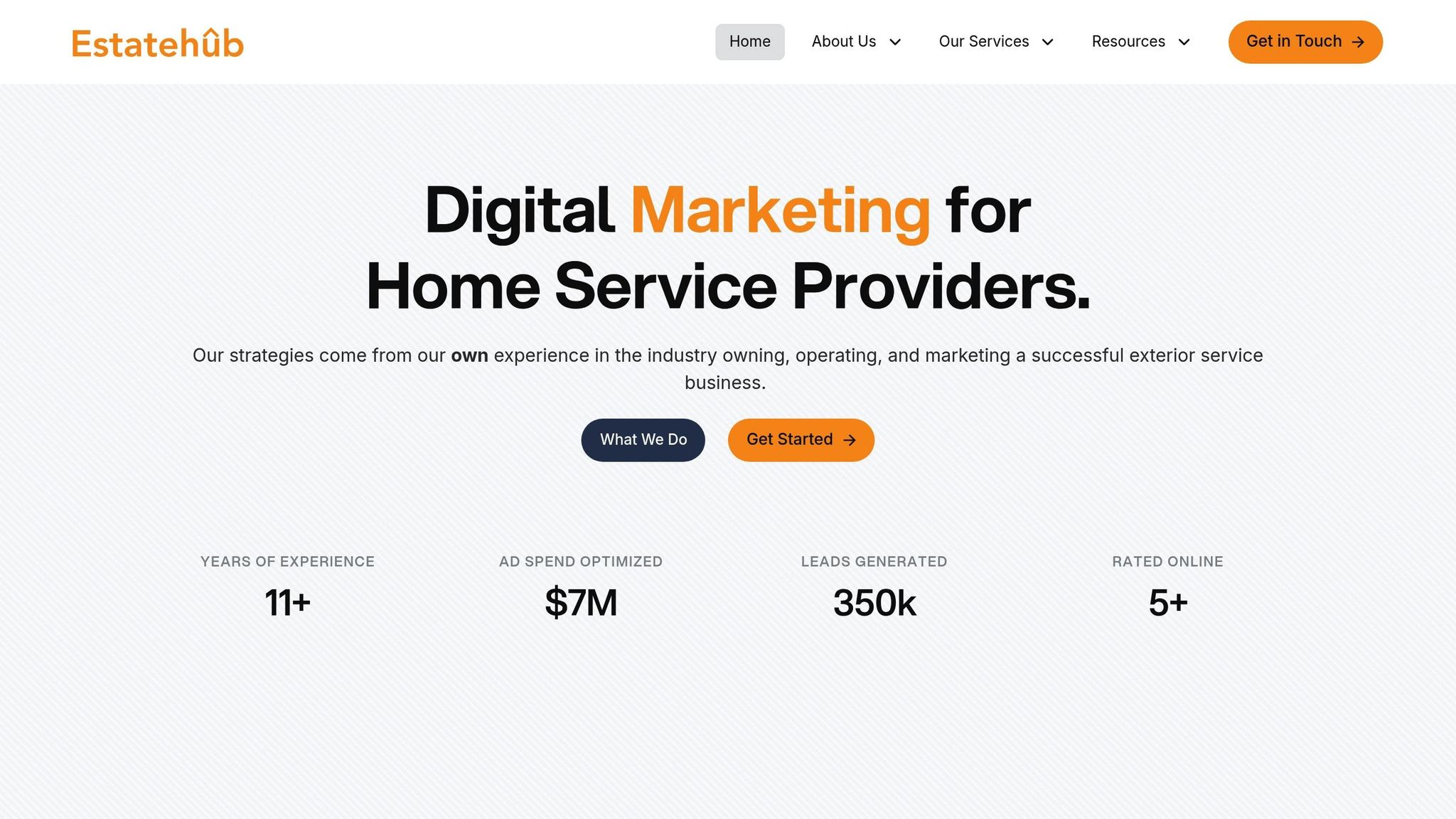
Creating a website while juggling service calls and managing crews can feel overwhelming. That’s where Estatehub steps in. Designed specifically for home service providers, Estatehub offers pre-configured accounts complete with pipelines, templates, and automation tools. With over 11 years of experience in the industry, they’ve helped generate more than 350,000 leads and optimized over $7 million in ad spend. Their team, made up of experts from the home service sector, focuses on crafting websites that drive results.
The numbers speak for themselves. In 2025, Korbin Reitz saw his monthly jobs skyrocket from 1–2 to nearly 20, while Tyler Wark transformed his $50,000 annual salary into six-figure revenues, earning $50,000 annually per employee. These successes highlight Estatehub’s ability to provide the tools and support needed to build websites that convert.
Features of Estatehub Website Services
Estatehub’s platform is packed with features that simplify lead management and streamline operations. It consolidates chats from SMS, email, Facebook, Instagram, and Google My Business, ensuring no lead falls through the cracks. The platform also includes a custom chat widget and a drag-and-drop landing page builder with ready-to-use templates. To save time, it automates tasks like reminders, review requests, and follow-ups, while integrating tools for estimates, proposals, contracts, invoices, and mobile payments.
The results are impressive. For example, in 2025, Zach Rollins booked nearly $3,000 in revenue during his first week using Estatehub. He praised the platform’s expert backend team and outstanding customer service. Estatehub also offers a 14-day free trial and boasts a perfect 5/5-star rating based on client feedback. Detailed reports on ad performance, website traffic, appointments, and revenue let you see exactly what’s working, so you can adjust your strategy to maximize conversions.
Step 7: Monitor Performance with Analytics Tools
Setting Up Conversion Tracking with Analytics
A website's effectiveness hinges on tracking the right conversions. Start by identifying what qualifies as a conversion for your business - whether it's form submissions, phone calls, appointment bookings, or newsletter signups.
Google Analytics is a powerful (and free) tool to track where your site traffic originates and how visitors interact with your pages. By using UTM parameters (like utm_source, utm_medium, and utm_campaign), you can see if a lead came from your "Summer Sale" email or a Facebook ad. For home service businesses, phone calls are as critical as online form submissions. Integrate call tracking to connect calls with specific keywords or marketing channels.
Keep an eye on behavioral signals such as direction requests, photo views, and click-to-call actions - these often signal strong purchase intent. Tools like Google Analytics, Hotjar, and Microsoft Clarity can reveal friction points on your site. For instance, bounce rates can jump by over 30% if your page load time increases from one second to three seconds. These tools turn raw data into actionable insights, helping you fine-tune your site for better results.
Using A/B Testing to Improve Results
Once you’ve gathered performance metrics, use A/B testing to refine your website. Take this example: in 2025, a commercial awnings brand in London worked with POLARIS to test a sticky "Enquire Now" footer banner on mobile devices. Over 90 days, mobile inquiries rose by 129%, and their search rankings for key terms improved by 51%.
Focus on testing one variable at a time - like headlines, offers, or the placement of CTAs (call-to-action buttons) - to figure out what drives the most leads. For example, Tommy Sugo, a Perth-based meal delivery service, revamped its headline to "Perth's Fresh Pasta Specialists" and simplified its CTAs in July 2025. The result? Their conversion rate and online revenue doubled in just a month.
"A homeowner with a burst pipe isn't browsing – they're scanning for help".
This highlights the importance of testing elements that create urgency.
Run your tests for at least 90 days to gather reliable data. Experiment with different aspects, such as button colors (orange and green often perform well), form length (cutting fields from nine to five can increase completions by 20%), or mobile call-to-action text (e.g., "Call Now" versus "Book Online"). Heatmaps can also be a game-changer, showing where users click and scroll, which helps you decide what to test next. These insights can take your website's conversion strategy to the next level.
Conclusion: Building a Website That Converts
Think of your website as your round-the-clock sales rep. Did you know that 70% of home service customers book online? That means if your site isn’t designed to convert, you could be leaving $15,000 to $45,000 in monthly revenue on the table - revenue that’s going straight to your competitors who have optimized their online presence.
By focusing on key elements like mobile-first design, clear calls-to-action (CTAs), trust-building features (such as industry certifications and team photos), and fast load times (under three seconds), you can turn casual visitors into paying customers. These strategies ensure you capture high-intent leads at the exact moment homeowners are searching for solutions. When done right, these steps don’t just improve your website - they make it a powerful tool to outshine competitors and maximize conversions.
"Your website isn't just part of your marketing, it is your marketing." - WebFX Team
Start small. Test a new call-to-action button, showcase customer testimonials on your homepage, or optimize your image files to speed up load times. Even minor tweaks can create a noticeable boost in your revenue.
Feeling overwhelmed by the idea of a complete redesign? That’s where Estatehub comes in. They specialize in crafting high-converting websites for home service providers, combining expertise in mobile optimization, local SEO, and conversion-driven design. Their tailored solutions transform your site into a lead-generating powerhouse, reducing your reliance on costly third-party platforms and paying for itself through increased bookings.
The time to act is now - your competitors are already capturing those high-intent leads. Don’t wait. Upgrade your website and take the lead today.
FAQs
How can I make my home services website convert more visitors into customers?
To increase your home services website's conversion rate, focus on creating a clear, user-friendly design that encourages visitors to take action. Include strong calls-to-action like "Get a Free Quote" or "Schedule Now", and make sure your contact details are visible on every page - no one should have to hunt for how to reach you.
Build credibility by featuring testimonials, reviews, and service guarantees. These elements help reassure potential customers and show that your business is trustworthy. Highlight what sets your services apart and make your value to customers crystal clear. Also, ensure your site is mobile-optimized and loads quickly - visitors won't stick around if your site is slow or hard to navigate. These small but impactful changes can make a big difference in converting visitors into loyal customers.
How can I optimize my website for mobile users to boost conversions?
Making your website mobile-friendly is crucial if you want to attract and keep potential leads in the home services field. Start by ensuring your site is mobile responsive, meaning it automatically adjusts to fit any screen size. This helps avoid common frustrations like slow loading times or awkward navigation that can drive visitors away.
Speed is everything when it comes to mobile. Research shows that if a site takes longer than three seconds to load, many users will leave. To keep things fast, focus on compressing images, streamlining your code, and choosing a reliable, fast hosting provider.
Don’t forget usability! Include clear navigation and prominent call-to-action buttons, such as easy-to-spot click-to-call options. These features make it simple for users to find what they’re looking for and take action without getting distracted.
By prioritizing these elements, you’ll create a mobile experience that not only keeps visitors engaged but also turns them into valuable leads.
Why are clear calls-to-action and simple forms important for boosting website conversions?
Clear calls-to-action (CTAs) and straightforward forms play a key role in boosting website conversions. They act as a guide, directing visitors toward specific actions - whether it's booking a service, signing up for a newsletter, or requesting a quote. When CTAs are easy to find and forms are quick to complete, users are far more likely to take action.
Simplified forms make the process seamless by asking only for the essentials, removing unnecessary hurdles that could frustrate users. Paired with strategically placed and engaging CTAs, these elements work together to transform casual browsers into committed customers by making the next step feel effortless.
Related Blog Posts

Sign up for the newsletter and be the first to read our articles.