

Overview of Common Stains
Full overview of the most common stains, including how to identify them and treat them
Dynamic content personalization helps businesses create tailored customer experiences using CRM software. This strategy is especially effective for home service providers, boosting revenue and improving customer satisfaction. With over 91% of businesses using CRM tools, the benefits are clear: an average ROI of $8.71 per $1 spent, increased sales by 29%, and 34% higher productivity. Key features to look for include segmentation, automation, and multi-channel support.
Here’s a quick overview of five top CRM tools:
Each tool offers unique features to fit different business needs, from small teams to large operations. Choose one that aligns with your goals, supports mobile access, and integrates seamlessly with your existing tools.
Your CRM should go beyond just storing customer data - it needs to understand and act on customer behavior across various channels. With 71% of consumers wanting personalized interactions and 76% feeling frustrated when companies fall short, the stakes for delivering tailored experiences are high. A CRM equipped for this task can automate and enhance the customer journey, creating a seamless experience.
The right features can turn a basic contact management system into a personalization powerhouse. Businesses that excel at personalization see 40% higher revenue than average performers. Additionally, personalization can slash customer acquisition costs by up to 50% while increasing revenue by 5–15%.
A strong CRM divides customers into actionable groups based on both who they are and what they do. Demographic segmentation looks at characteristics like location, property type, or service tier, while behavioral segmentation tracks actions such as email engagement, website visits, and other activity signals.
When these two approaches are combined, the results can be transformative. Instead of sending out generic messages, you can craft targeted campaigns - for example, reaching out to homeowners in colder regions who haven’t scheduled furnace maintenance in the past year. This kind of targeted effort can boost conversion rates by up to 5.7× compared to generic campaigns.
"Personalization today means far more than adding a first name to an email. With CRM segmentation, you can tailor communication by behavior, value, or lifecycle stage."
- Chaviva Gordon-Bennett, Content Strategist, monday.com
Start with 5–10 high-impact segments, such as geographic area or service history, and let your CRM automatically update these groups as customer behavior changes. For instance, moving a customer from "prospect" to "new customer" as soon as they book their first appointment ensures your messaging stays relevant without requiring constant manual updates.
Accurate segmentation is just the beginning. Automated workflows can deliver timely, personalized interactions that manual follow-ups simply can’t match. Your CRM should use behavioral triggers - like a customer visiting your emergency repair page or completing a service - to launch tailored sequences automatically.
For home service providers, this might include automated scheduling confirmations, dispatch notifications, and follow-up surveys. For example, when someone books an appointment, your CRM can instantly send a confirmation email, a calendar reminder, and a request for feedback once the service is complete. This kind of automation not only streamlines operations but also ensures consistent communication with your customers. Businesses that nurture leads this way generate 50% more sales-ready opportunities at 33% lower costs compared to generic outreach.
The most effective CRMs also support conditional workflows. If a customer repeatedly interacts with a service email but doesn’t book an appointment, the system can alert your sales team or send a limited-time discount to encourage action. This keeps leads moving forward while allowing your team to focus on higher-value opportunities.
In today’s world, customers interact across a variety of platforms - not just email. In fact, 77% of consumers use multiple channels, and 71% prefer businesses that offer two-way communication. For home service providers, it’s crucial that your CRM delivers a consistent, personalized experience across email, SMS, social media, and your website.
Without multi-channel support, customer interactions can feel disjointed and frustrating. For example, if a customer texts a question about their appointment, your team should have instant access to their service history and recent interactions. Features like sending an "on-my-way" text when a technician is en route can build trust and reduce missed appointments.
Some CRMs even use AI to predict the best communication channel for each customer, whether that’s email or SMS, ensuring outreach is as effective as possible. After a service is completed, the system can send a review request via the customer’s preferred method. This is particularly important since 81% of consumers expect a response within 24 hours. Automated workflows can help capture feedback promptly, ensuring you gather reviews while the experience is still fresh.
The following CRM tools offer tailored features for home service providers, focusing on personalization through advanced automation, AI-driven insights, and user-friendly interfaces. Each tool brings its own strengths, whether it's predictive analytics or no-code workflow builders.
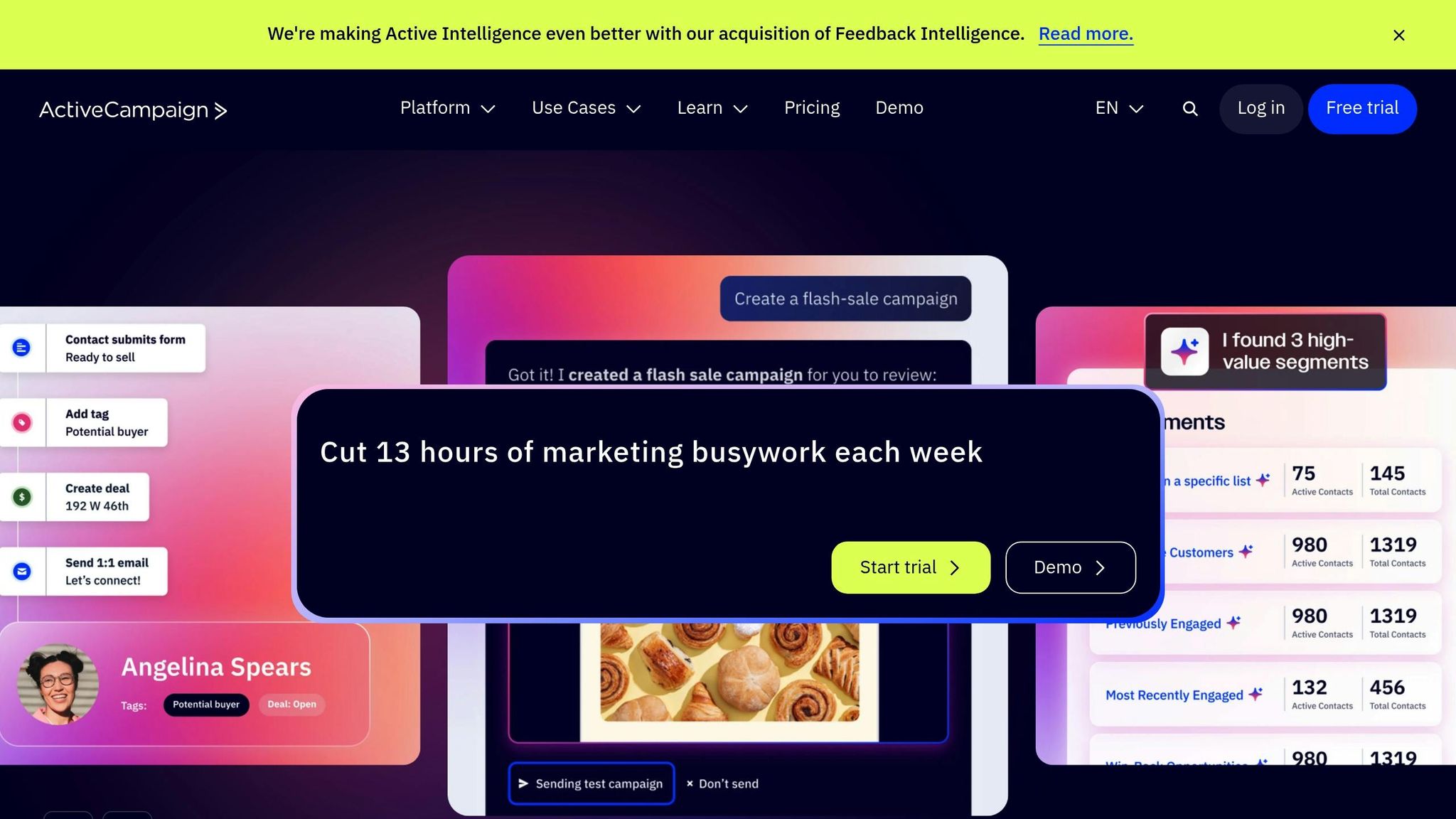
ActiveCampaign uses a flexible builder that updates customer profiles in real time with every interaction. For instance, if someone visits your furnace repair page or clicks on a seasonal maintenance email, the system automatically applies tags and triggers the next step in a custom sequence. This tagging system is particularly handy for managing multiple service lines. If a homeowner checks out your emergency plumbing services but doesn't book, they can be tagged as "plumbing-interested", prompting targeted follow-ups via email, SMS, or even WhatsApp.
This automation system has been a game-changer for streamlining digital marketing for home service providers. Plus, you can explore its features with a 14-day free trial.
HubSpot is known for its ease of use, with 87% of users finding it simple to navigate and 93% using it daily. Its Breeze AI suite includes specialized tools for social media, content creation, prospecting, and customer service, all designed to automate personalized outreach. HubSpot's Smart Content feature dynamically adjusts page sections based on visitor behavior. For example, someone searching for "emergency furnace repair" might see case studies and calls-to-action related to furnace services, while a visitor looking for drain cleaning gets plumbing-specific content.
HubSpot users report closing 69% more deals within six months of implementation. It's also ranked #1 in G2's Marketing and Digital Advertising Products for 2025. Additional tools like the AI Website Generator and AI Content Writer simplify the creation of landing pages and email campaigns.
"HubSpot's implementation costs were 10X less than Salesforce... The efficiency gains that we've made by implementing HubSpot are astronomical."
- Leslie McGill, President and CEO
Pricing starts with a free plan for basic contact and pipeline management. Paid plans begin at $15–$20 per seat for the Starter tier, $50 per seat for the Professional plan with advanced automation, and $75 per seat for the Enterprise tier, which includes AI insights and custom objects.
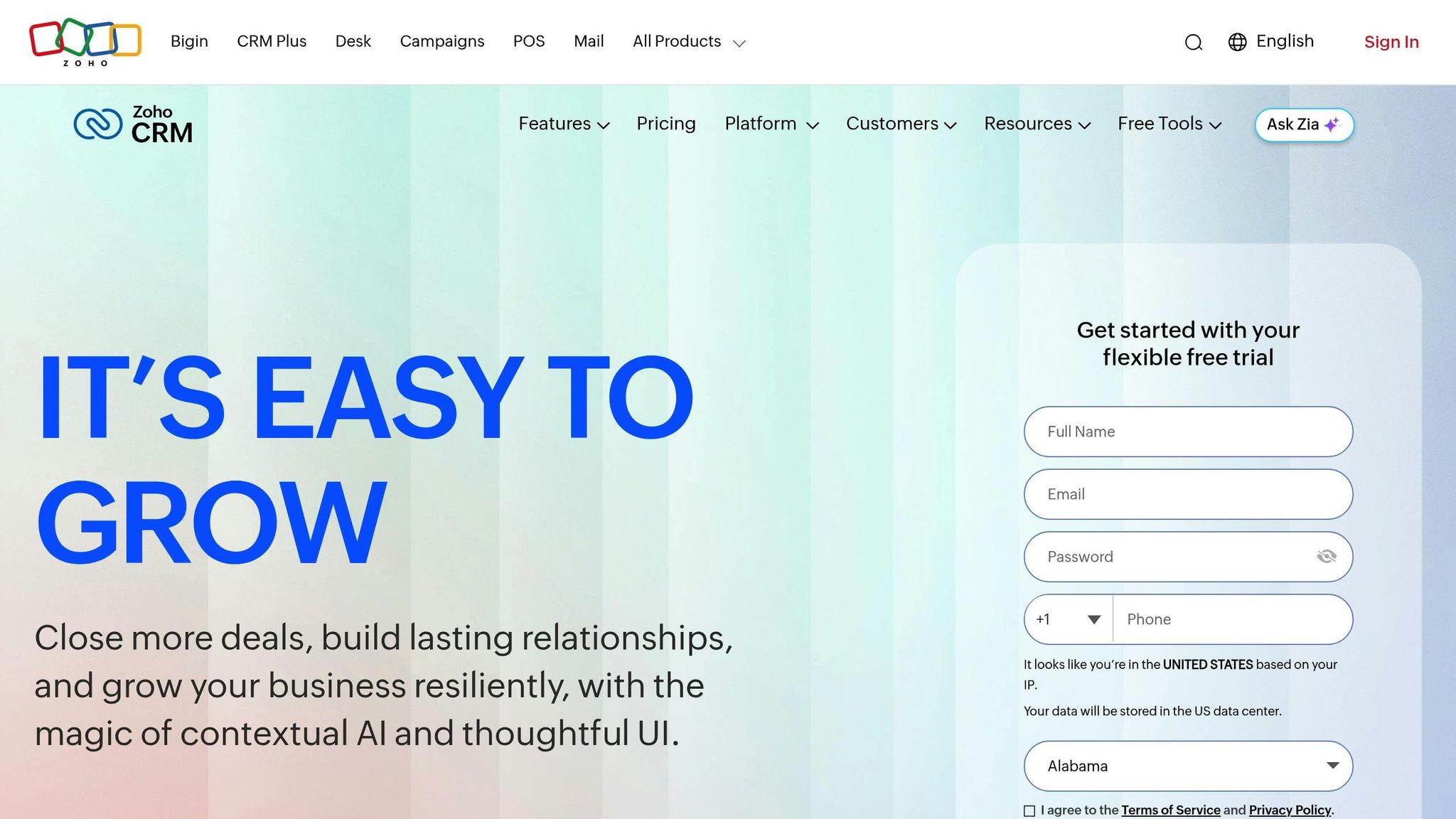
Zoho CRM utilizes Zia AI for tasks like detecting anomalies, forecasting outcomes, and guiding follow-up actions. Its Journey Orchestration feature maps out the entire customer experience, helping you identify drop-off points and add automated touchpoints. Blueprints ensure consistent processes for tasks like estimates, scheduling, and follow-ups - essential when managing multiple technicians.
The Cadences feature automates follow-ups. For example, if a homeowner opens an email about spring HVAC tune-ups but doesn't book, the system might send a discount offer a few days later or notify your sales team to follow up. Canvas, a no-code tool, lets you customize the CRM interface to fit your workflow. Zoho CRM offers a 15-day free trial, and AI-enabled plans start at $12 per user per month.
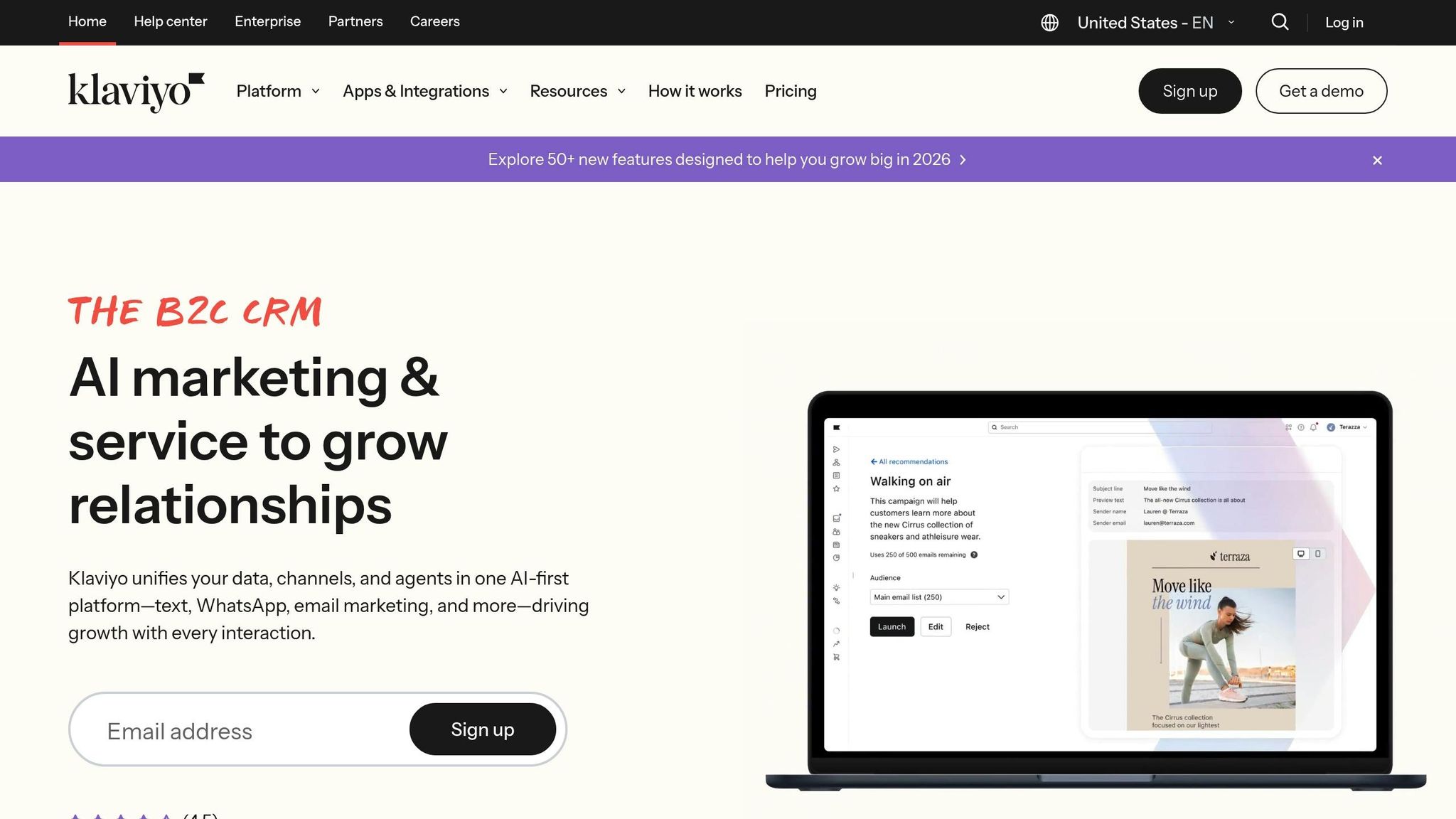
Klaviyo focuses on predictive analytics with tools like Flows AI, which forecasts metrics such as Lifetime Value and churn risk. Its Smart Send Time feature ensures messages are sent at the most effective times. For providers aiming to retain customers, Klaviyo predicts when homeowners might need seasonal services and determines whether they prefer email or SMS, thanks to its Channel Affinity feature.
The platform prioritizes zero-party data - information like service history, website activity, and support interactions - ensuring a strong personalization system even as privacy regulations evolve.
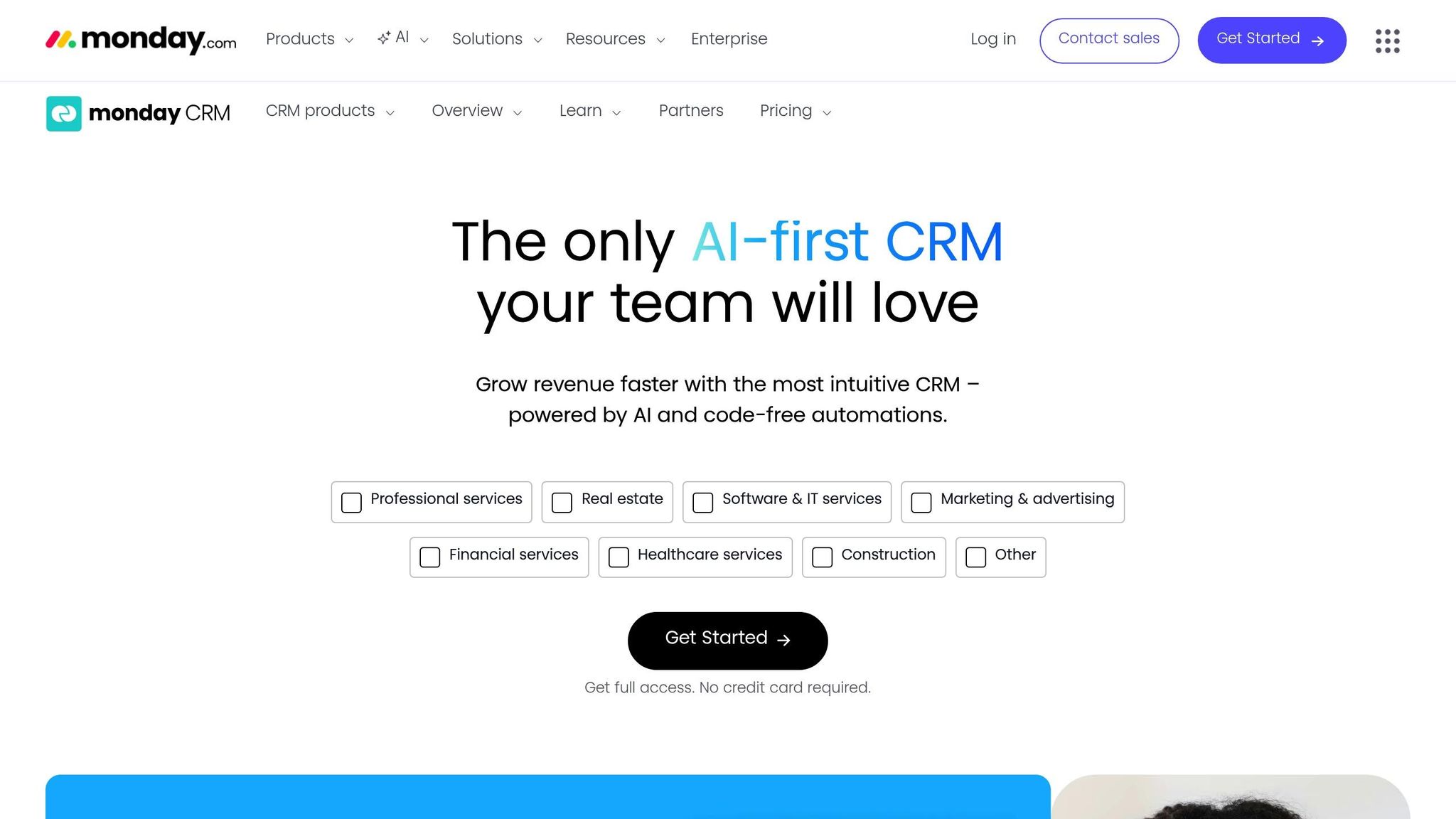
Monday CRM offers a visual, no-code interface that simplifies personalization without requiring technical skills. Its drag-and-drop workflow builder makes creating automated sequences easy, while integrated dashboards provide real-time pipeline insights. For home service providers, this means you can quickly set up custom boards for tracking leads, scheduling appointments, and managing follow-ups. The platform also includes basic marketing automation that integrates with your contact management system, making it a great fit for smaller businesses seeking straightforward automation.

CRM Tools Comparison: Features, Pricing, and Best Use Cases for Home Service Providers
Picking the right CRM for dynamic content personalization means looking at factors like automation capabilities, multi-channel reach, and pricing. The table below breaks down five popular platforms, highlighting their strengths in segmentation, pricing models, and usability.
| CRM Tool | Key Personalization Strength | Multi-Channel Support | Starting Price | Best For |
|---|---|---|---|---|
| ActiveCampaign | Real-time tagging and trigger-based workflows | Email, SMS | Varies (based on contact list size) | Multi-service businesses needing detailed segmentation |
| HubSpot | Breeze AI suite with Smart Content | Email, social media, web | Free / $20 per seat (Starter) | Teams prioritizing ease of use and AI-driven content creation |
| Zoho CRM | Zia AI for anomaly detection | Email, SMS, social media | Varies | Businesses requiring deep customization through its Canvas no-code editor |
| Klaviyo | Predictive analytics (Flows AI, Smart Send Time) | Email, SMS | Varies (based on contact list size) | Retention-focused companies leveraging zero-party data |
| Monday CRM | Visual no-code workflow builder | Email, basic automation | Varies | Small teams seeking simplicity without technical barriers |
Each platform offers a unique mix of personalization features, automation depth, and pricing structures, helping you identify the best fit for your needs.
CRM pricing often scales with the size of your contact list. ActiveCampaign and Klaviyo follow this model, which can lead to higher costs as your database grows. HubSpot stands out with its free tier and a per-seat pricing structure starting at $20 per month. Meanwhile, Zoho CRM offers flexible pricing, allowing for advanced customization options.
When it comes to standout features, ActiveCampaign shines with real-time tagging and trigger-based workflows. Zoho CRM brings AI-powered analytics to the table, streamlining processes with Zia AI. HubSpot simplifies tasks like content creation and prospecting using its Breeze AI tools, while Klaviyo focuses on predictive analytics to optimize customer engagement. For teams looking for an easy-to-use solution, Monday CRM offers an intuitive drag-and-drop interface.
All platforms support email and SMS communication. However, HubSpot goes a step further by integrating social media and web channels, providing broader reach. These capabilities are crucial for dynamic content personalization, especially for businesses aiming to boost revenue through tailored customer experiences.
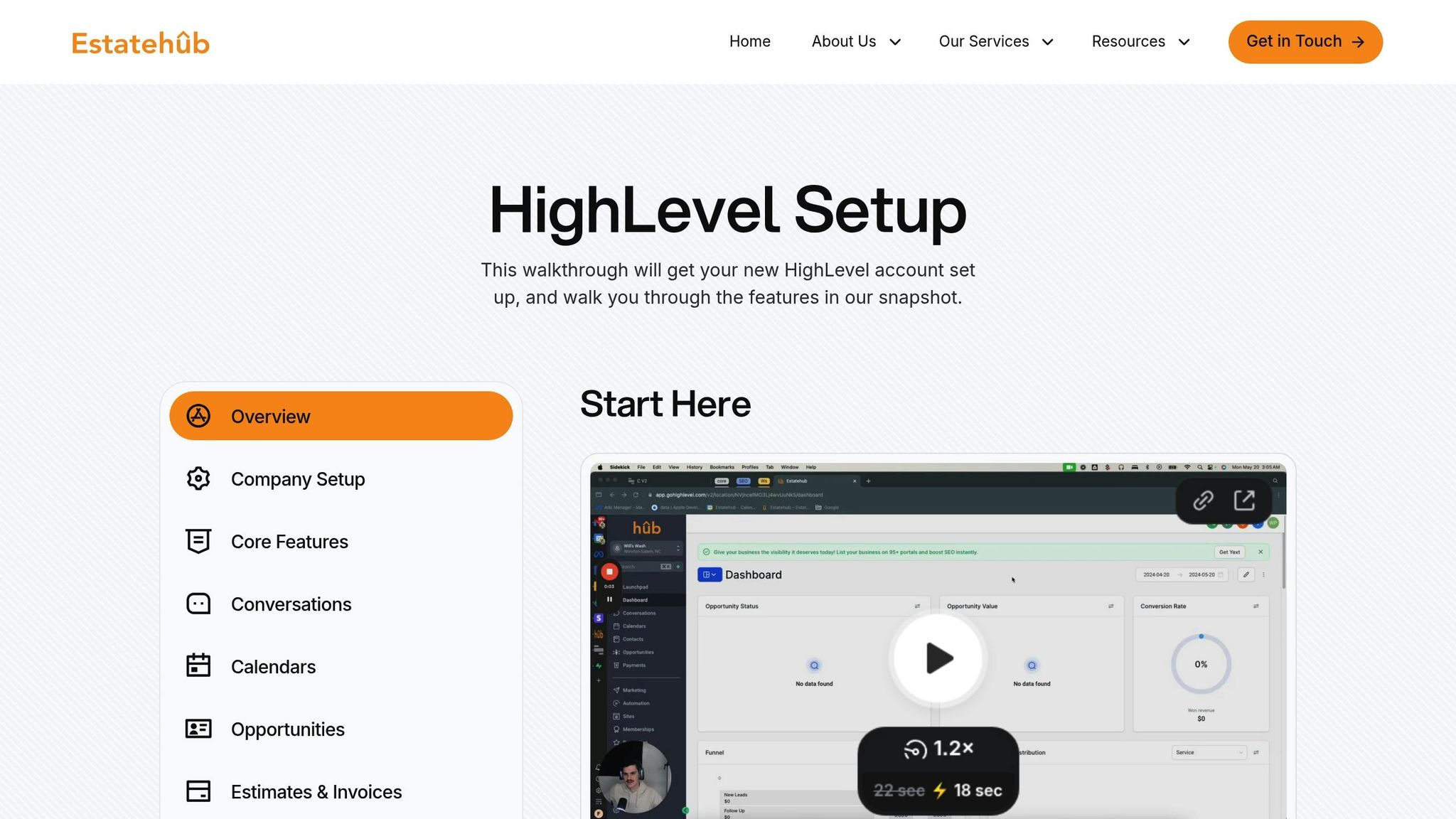
Estatehub takes the concept of dynamic personalization in CRM systems and tailors it specifically for home service providers, offering tools designed to simplify and supercharge their operations.
With pre-configured HighLevel accounts, Estatehub eliminates the need for time-consuming setups. These accounts are optimized for industries like plumbing, electrical work, HVAC, and other trades. Features like dynamic merge tags - such as [Name], [Appointment Date/Time], and {{LEGAL BUSINESS NAME}} - allow for instant personalization in SMS and email campaigns. Estatehub also centralizes communication by integrating paid ads, SEO traffic, and website leads into a single messenger platform. From there, businesses can manage SMS, email, Facebook, Instagram, and Google My Business interactions all in one place.
Automation is another standout feature. Tasks like appointment reminders, missed-call follow-ups, and review requests are triggered automatically based on customer actions. Plus, AI-powered conversations provide 24/7 responses that feel human, enhancing customer engagement while reducing manual effort. This seamless setup brings the benefits of personalized, automated customer journeys to life.
In May 2024, Estatehub's impact was evident through success stories from home service providers like Zach Rollins, Korbin Reitz, and Tyler Wark. They reported impressive results, such as generating nearly $3,000 in just one week, increasing monthly bookings, and hitting six-figure revenues - all thanks to Estatehub’s CRM and ad integrations.
"We offer built out accounts that are already set up with pipelines, templates, automations, and more, specifically tailored to home service providers." – Estatehub
Estatehub’s Professional HighLevel CRM setup is available for $250 per month and includes a 14-day free trial. With over 11 years of CRM optimization experience, the agency has managed more than $7 million in ad spend and generated over 350,000 leads for its clients. They focus on driving revenue by using Smart Lists to dynamically segment contacts and activate personalized workflows.
Finding a CRM that matches your team size and can grow alongside your business is key. Most mid-to-large businesses depend on CRM software to scale efficiently. For smaller teams, a lightweight CRM priced around $49 per user/month might suffice. On the other hand, larger businesses managing multiple crews often require advanced reporting features, with solutions starting at $250 per user/month. Scalability also means ensuring the CRM supports mobile access so field teams can stay connected no matter where they are.
Mobile functionality is a must-have, especially since technicians spend much of their time on the go. In fact, mobile CRM access can improve technician productivity by over 25%. Be sure to test the mobile app during any free trial to confirm it works smoothly, even in areas with unreliable connectivity.
Integration with your existing tools is another critical factor. A CRM should seamlessly connect with software like QuickBooks for accounting and Gmail or Outlook for communication. This eliminates duplicate data entry and ensures everyone has access to the same, up-to-date information. When data integration is smooth, it also allows for more personalized customer interactions.
Keep the total cost of ownership in mind. While CRM systems deliver an average return of $8.71 for every dollar spent, there are often additional costs to consider. These might include setup fees, training expenses, premium reporting options, and charges for extra data storage. Most CRM providers offer 14-day free trials, which is a great opportunity to see if the system's interface works well for both your office staff and field technicians.
Implementing a CRM typically takes 7 to 14 weeks and involves planning, data migration, team training, and the actual launch. Mapping out your customer journey can help you identify where automated, personalized interactions - like maintenance reminders or follow-ups on unsold estimates - can make the biggest impact. The best CRM will align with your specific service type, customer base, and the workflows that are most crucial to your daily operations.
Dynamic content personalization enhances customer satisfaction by delivering messages and experiences tailored to individual preferences and needs. For home service providers, this strategy helps customers feel appreciated and understood, building trust and loyalty over time.
Using CRM tools that bring together communication across SMS, email, and social media, businesses can share timely, relevant updates based on customer behavior. Features like automated appointment reminders and personalized follow-ups make interactions smoother and more engaging, cutting down on frustration and improving the overall experience.
This kind of personalization doesn’t just improve relationships - it also drives repeat business and positive reviews, boosting the reputation and revenue of home service providers.
When selecting a CRM to enhance content personalization, prioritize tools that offer automation, multi-channel communication, and flexible content customization. Automation ensures you can send tailored messages based on customer actions, preferences, or where they are in the sales journey - making your outreach timely and relevant.
A good CRM should also centralize communication by integrating email, SMS, and social media messaging. This simplifies managing outreach across multiple platforms, saving time and ensuring consistency. On top of that, features like customizable content modules and dynamic landing pages allow you to adjust your marketing and website content for individual customers. This approach not only boosts engagement but can also lead to higher conversion rates.
These capabilities are especially useful for home service providers, enabling them to craft more personalized and impactful campaigns that deliver measurable results.
CRM automation is a game-changer for home service providers, making it easier to connect with customers while reducing manual work. With features like automated follow-ups, appointment reminders, and review requests, businesses can keep their customers informed and engaged effortlessly. For example, sending automated appointment confirmations and reminders helps minimize no-shows, creating a smoother experience for both the provider and the customer.
What’s more, automation allows for personalized communication. It helps nurture leads that may not be ready to commit right away, building stronger relationships over time. By integrating different communication channels - like SMS, email, and social media messaging - into one platform, businesses can respond promptly and consistently across all touchpoints. This streamlined approach not only saves time but also builds trust and loyalty, leading to happier customers and better retention rates.
Sign up for the newsletter and be the first to read our articles.


Every single person on our agency team has spent a lot of time in the field either running their own business or working for larger marketing agencies. We have all put in the time responding to leads, helping customers, scheduling and doing services. This gives us a massive advantage when making decisions.
One thing that has always been very special to us, is the fact that (excluding spam / people that never used our services) we do not have any bad reviews. This absolutely does not mean we have never had unhappy clients, but if it happens, we make it right, and stand behind our promises.
We have seen, time and time again, other agencies using strategies and structuring campaigns the way that they are technically supposed to. Most of these "best practices" that are taught in our industry, simply do not transfer into local lead gen. This is partially because we do have a much different target audience, and are typically spending less, however optimizing for website traffic does not work here.
We have been there, jumping into starting a home service business, struggling, and doing everything wrong. It's humbling. Our team has all felt the highs and lows, which is why we get so excited for our clients to win, we know how good it feels.

Estatehub is not a normal agency, we know "clicks" don't get you sales. Let us show you how lead gen experts do it.

