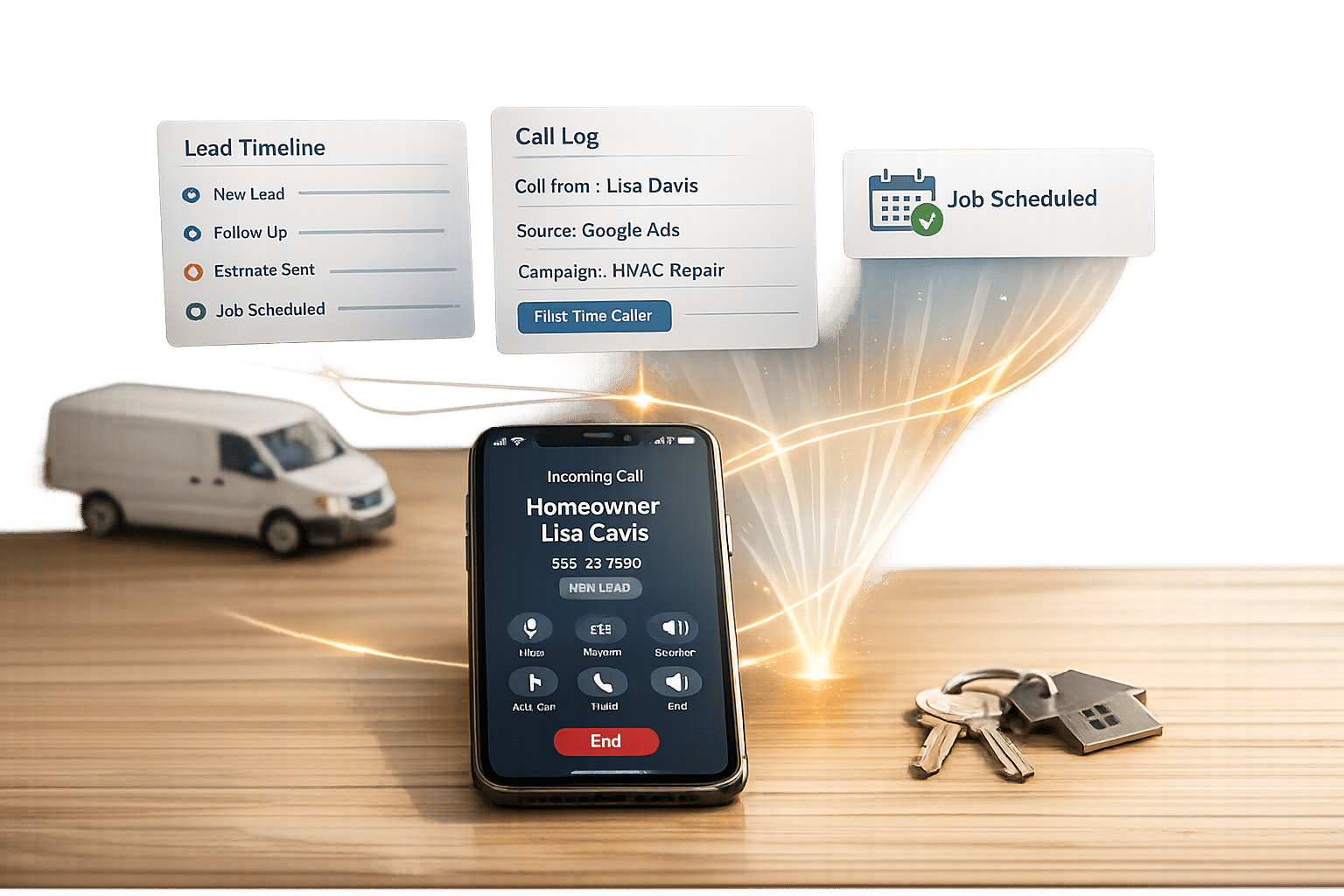


Overview of Common Stains
Full overview of the most common stains, including how to identify them and treat them
Call tracking integration helps home service providers track which marketing efforts drive phone leads and conversions. By linking call tracking software with CRM systems, businesses can automatically log call data, attribute leads to specific campaigns, and improve response times.
Key takeaways:
This approach not only saves time but also ensures every marketing dollar is accounted for, helping businesses prioritize high-value leads and improve customer service.
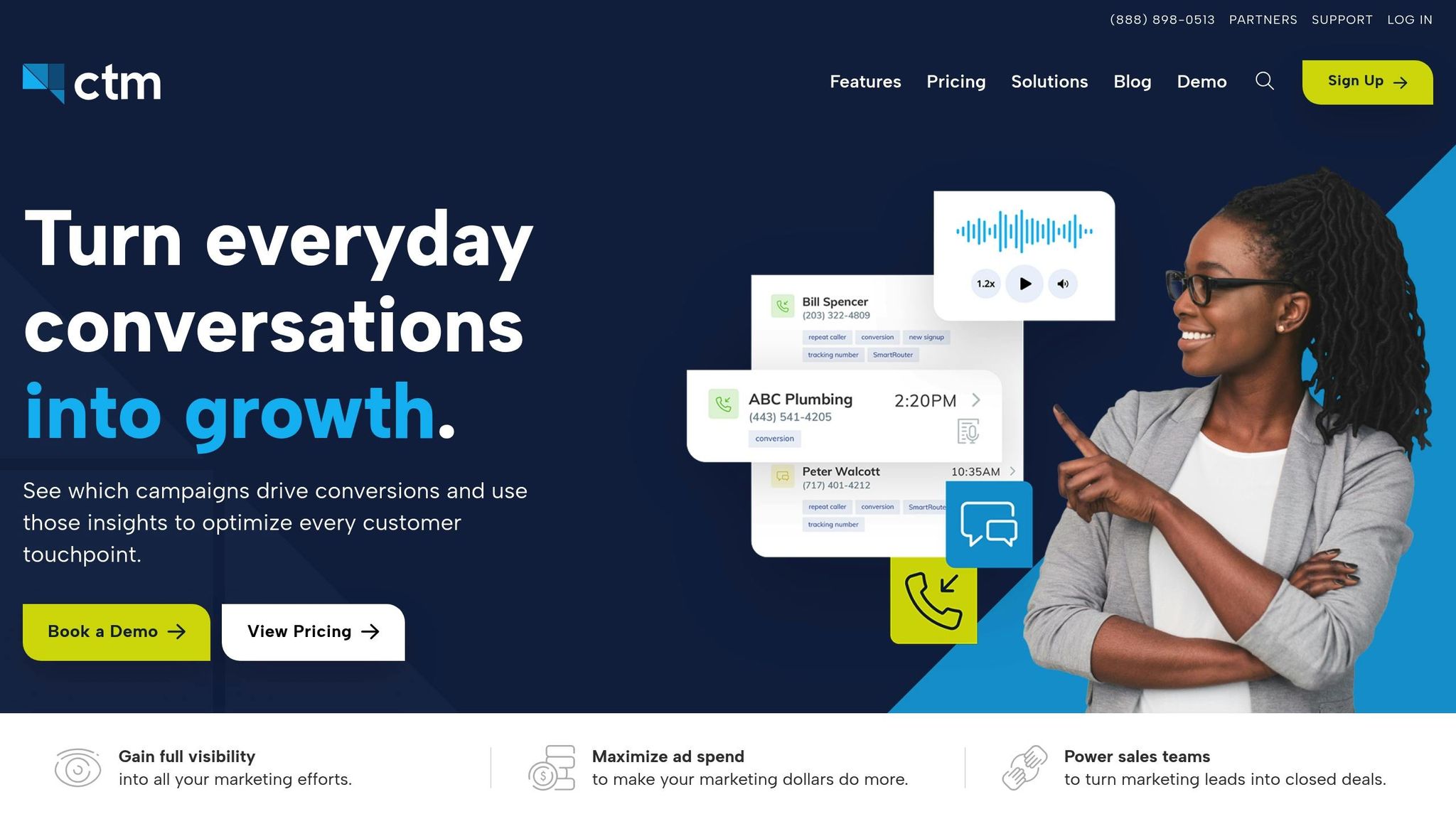
When call tracking is disconnected from your CRM, home service businesses face three major challenges that can hurt both revenue and customer satisfaction. These problems become even more pronounced during busy seasons when every lead matters.
Manually transferring call data into a CRM is time-consuming and error-prone. Without automated syncing, your team spends hours on repetitive tasks, increasing the risk of mistakes. These errors create inconsistencies in customer records - one entry from a phone call, another from a web form - resulting in a patchwork of incomplete or conflicting information.
This lack of clarity can leave technicians heading to job sites without fully understanding the customer’s needs. And during hectic times, detailed note-taking often takes a backseat to handling the next call in line.
"I have wasted hours copying things from one system to another. I always make mistakes when I do it by hand."
- Isabelle Radcliffe
"Reps... usually de-prioritize [note-taking] while preoccupied with back-to-back calls. This leaves critical gaps in your customer data and makes it harder to manage effectively."
When your team is overwhelmed, leads can get lost in the shuffle, making it harder to deliver timely and effective service.
Over 90% of marketers admit they lack confidence in their ability to track which efforts are driving results. For home service providers, this uncertainty can be costly. You might be pouring money into platforms like Google Ads or Facebook campaigns but have no clear way to connect those investments to paying customers.
Without CRM syncing and dynamic number insertion (DNI), it’s nearly impossible to link marketing campaigns to actual conversions. This lack of data leaves your marketing strategy without a clear direction. For instance, your Google Ads might optimize for generating calls, but not necessarily for attracting qualified leads who convert into revenue .
The financial impact is hard to ignore. Contractors who don’t track revenue through their CRM often see a 3x to 5x difference between their cost per lead and cost per booked job. Essentially, without proper attribution, you’re guessing which marketing dollars are effective and which ones are wasted. This guesswork also slows down the process of engaging with potential customers.
In the home services industry, speed is everything. Yet, 23% of businesses never follow up with leads at all. When call tracking and CRM systems aren’t integrated, leads often sit idle while competitors act faster.
Without real-time notifications, your team might not prioritize high-value emergency calls over general inquiries, leading to a first-come, first-served approach that misses critical opportunities.
"If a client misses a call or doesn't respond to a form submission quickly, they are very likely to lose that lead."
- Andy P., G2 Reviewer
Delayed follow-ups become even more frustrating for customers when representatives don’t have the context of their initial inquiry. This forces customers to repeat themselves, creating a poor experience.
"When you're rushing from one job to the next, it's easy to miss a valuable call, forget to follow up on a lead, or miss important customer information."
Given that 60% to 80% of home service leads come from phone calls, treating this channel as an afterthought can have serious consequences. These challenges highlight why integrating call tracking with your CRM is critical for running an efficient and profitable operation.
Combining call tracking with your CRM can revolutionize how home service businesses operate, market, and deliver customer service. It tackles common challenges like unclear attribution, manual data entry, and inefficient operations, while improving lead quality, automation, and workflow efficiency.
This integration allows businesses to identify the exact marketing source behind every phone call - whether it’s a Google Ad keyword, a Facebook campaign, or an organic search result. With this clarity, you can eliminate the guesswork that often drains marketing budgets.
Closed-loop reporting connects ad clicks directly to revenue recorded in your CRM. This means you’ll know exactly which marketing dollars are turning into profits, not just leads. For home service businesses, this level of insight can lead to better conversion rates and smarter marketing investments.
"We're able to use CTM's integration with their CRM to track ROI for every marketing dollar our clients spend... which is the first time most of these companies have had visibility into that type of data."
- Christin Nein, Director of Product Management, Coalmarch
Real-time call data feedback also allows you to adjust campaigns quickly, reallocating budgets to the channels that bring in paying customers. Gone are the days of trial-and-error marketing - this data-driven approach ensures every dollar works harder.
Manual call logging becomes a thing of the past with automation. AI can capture key details like email addresses and sync them directly to your CRM. Leads are created instantly when a call is placed or completed, giving sales teams immediate visibility and reducing "speed-to-lead" time.
Call recordings, transcripts, and messages are automatically linked to customer records, creating a unified view for your entire team. Whether it’s office staff or field technicians, everyone has access to the same data without switching between tools.
AI can even score calls based on intent or duration, triggering actions like follow-up texts, technician assignments, or review requests after a job is completed.
"A perfectly chosen CRM that does not talk to your website forms, your call tracking, or your ad platforms is useless for measuring marketing ROI."
- Charwin Vanryck deGroot, BKND Development
Considering that 91% of companies with 10 or more employees use a CRM system, automating call logging offers a clear edge. It not only saves time but also enhances customer interactions by keeping all data in one place.
Real-time caller ID sync allows your team to greet customers by name and reference their service history right away. This personal touch not only feels professional but also makes customers feel valued from the start.
A single timeline of past interactions eliminates the need for customers to repeat themselves, enabling any team member to seamlessly pick up where a previous conversation left off. Access to call recordings and keyword data further equips staff to understand customer needs before a service visit.
For example, from September 2019 to September 2020, CallTrackingMetrics leveraged HubSpot and Google Offline Conversion tracking to shift focus from form fills to CRM lifecycle stages. This strategic move, led by Chris Todd and Lisa Salvatore, resulted in a 101% increase in Marketing Qualified Leads and a 63% rise in overall qualified leads.
Automated systems also send appointment reminders, confirmations, and promotional offers tailored to the customer’s lifecycle stage or past services. With instant access to the customer journey - from initial ad click to service history - representatives can resolve issues faster and more effectively.
"Communication over the phone is clearer, more effective, and more efficient than any type of written communication."
- Claudia Martinez, Marketing and Communications Expert, PieSync
Speed matters. Businesses that respond to inquiries within one hour are nearly seven times more likely to qualify a lead than those that wait longer. Delaying for more than 24 hours makes it 60 times less likely to qualify that lead.
Softphones integrated into the CRM streamline workflows by allowing employees to handle calls directly within the system. Customizable IVRs (Interactive Voice Response) route calls efficiently, whether it’s for emergency repairs or billing inquiries, reducing customer wait times.
Dynamic Number Insertion (DNI) assigns unique numbers to different marketing channels, giving you insight into customer intent before the call even begins.
"Customer service is excellent on all levels... The system is easy to set up for call flow and real-time changes. We cannot find enough good reps so we've had to depend on controlling calls to go places quickly."
- Geoff H., G2 Reviewer
To keep your CRM clean, you can configure it to only sync calls lasting longer than a set threshold, such as 30 seconds, preventing clutter from hangups or wrong numbers. Using phone numbers or email addresses as unique identifiers also ensures existing records are updated instead of creating duplicates.
Managers can use automated call recordings to evaluate staff performance and provide training based on real-world examples. This operational insight helps improve service quality across your team without constant oversight.

Call Tracking Integration: Before vs After Comparison for Home Services
Integrating call tracking with a CRM can completely change how home service businesses operate. The difference is striking, and a quick comparison shows just how much can be gained - or lost - depending on whether integration is in place.
Before integration, businesses often struggle with slow follow-ups and a high percentage of missed calls, which directly affects lead conversion rates. Calls come in as anonymous numbers, offering no insight into their source - whether it’s a specific ad, keyword, or campaign. On top of that, manually logging call data is time-consuming and prone to errors. Without proper tracking, businesses may focus on call volume instead of real revenue, ignoring the fact that the cost per booked job can be three to five times higher than the cost per lead.
After integration, the game changes. Every call is tied to its exact source, whether it’s a keyword, ad, or even an offline campaign. Data flows seamlessly into the system within seconds, eliminating manual entry and reducing mistakes. Take, for example, Window World TX: by teaming up with Leadhub and using CallTrackingMetrics, they saw a 103% jump in their conversion rate and an 88% improvement in page-one rankings. Automation adds another layer of efficiency, with instant alerts triggering timely follow-ups. Closed-loop reporting connects ad spend directly to booked jobs and revenue, giving a crystal-clear picture of marketing performance.
Here’s a closer look at how integration addresses common challenges:
| Feature | Before Integration | After Integration |
|---|---|---|
| Lead Attribution | Calls appear as anonymous numbers, leaving you "flying blind" | Tracks calls down to specific ads, keywords, or even offline mailers |
| Data Entry | Manual logging leads to errors and missed opportunities | Automatic syncing captures 100% of calls, complete with recordings |
| Follow-up Speed | 24% of leads wait over 24 hours; 23% never get a callback | Instant SMS or email alerts enable follow-ups within five minutes |
| Marketing ROI | Focuses on clicks or call volume, not actual revenue | Closed-loop reporting ties ad spend to booked jobs and revenue |
| Customer Service | No context - customers must repeat their needs every time | Personalized service with immediate access to browsing history and intent |
The numbers highlight the stakes: phone calls drive 60–80% of conversions for home service contractors, yet 74.1% of inbound calls go unanswered when relying on manual systems. Integration bridges this gap, transforming your phone system from a chaotic mess into a powerful tool for tracking and growing revenue. You’ll know exactly which marketing efforts are paying off, and you’ll never miss a lead again.
This sets the stage for a closer look at how Estatehub’s advanced call tracking and CRM solutions can elevate your business.
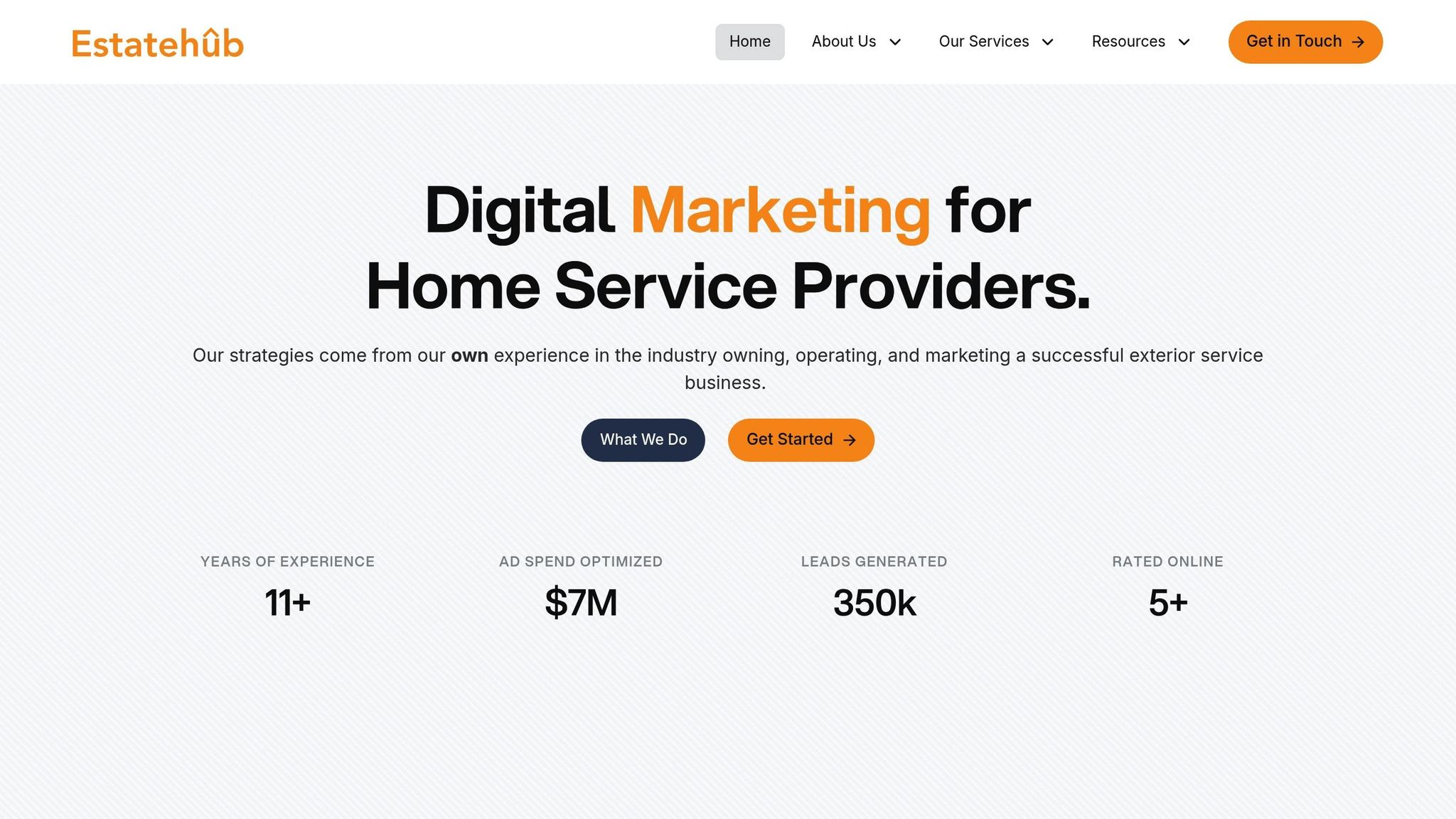
Estatehub takes the hassle out of call tracking by offering a pre-configured system designed specifically for home service providers. Instead of starting from scratch, they provide what’s called a "HighLevel Snapshot." This setup comes with ready-made pipelines, templates, and automations tailored to businesses like landscapers and contractors, saving weeks of setup time.
Using Twilio, Estatehub assigns unique phone numbers to each marketing channel - whether it’s Google Ads, Facebook, your website, or even physical flyers. When a call comes in, the system immediately identifies the source and logs it into your CRM. Dynamic Number Insertion (DNI) ensures that your website displays channel-specific numbers, allowing for precise keyword-level attribution. Calls lasting over 30 seconds are recorded, giving you a detailed view of what’s driving results and where improvements are needed. By automating data entry and clarifying lead attribution, Estatehub solves common operational challenges.
Estatehub goes beyond call tracking to streamline communication and enhance your business operations.
The platform centralizes all customer interactions - including SMS, email, Facebook Messenger, Instagram, and Google My Business chats - into a single dashboard. Missed calls automatically trigger follow-up texts, and appointment reminders are sent via SMS and email, significantly reducing no-shows.
"We offer built out accounts that are already set up with pipelines, templates, automations, and more, specifically tailored to home service providers."
– Estatehub
One standout feature is "Call Whisper", which informs your team where a lead originated before they even answer the phone. For instance, if a call comes from a high-performing Google Ads campaign, your team can prioritize it immediately. Additionally, all calls are recorded for quality assurance and training purposes, helping you analyze why some leads convert while others don’t. Estatehub also simplifies operations with built-in tools for estimating, invoicing, and sending payment links, ensuring quick follow-ups.
Estatehub’s tools don’t just improve your data - they directly impact your bottom line.
With over 11 years of experience, the team has managed more than $7 million in ad spend and generated over 350,000 leads. Their closed-loop reporting syncs revenue data from completed jobs back to platforms like Google Ads, helping you identify which campaigns generate high-value projects - like $12,000 jobs - versus less profitable leads.
"Estatehub is not a normal agency, we know 'clicks' don't get you sales. Let us show you how lead gen experts do it."
– Estatehub
The results speak for themselves. For example, Korbin Reitz saw a jump from 1-2 jobs per month to around 20 after implementing Estatehub’s CRM and ad strategies in April 2024. Similarly, contractor Zach Rollins secured nearly $3,000 in new work during their first week in 2024. Estatehub reviews and optimizes accounts 2-3 times weekly, ensuring your marketing dollars consistently target high-value leads. Plus, with a 14-day free trial, you can explore the system risk-free before committing.
Setting up call tracking and CRM integration might seem daunting, but it doesn’t have to be. It all comes down to picking the right tools, automating data flows, and ensuring your team knows how to use the system effectively.
The first step is selecting a CRM that either includes built-in call tracking or works seamlessly with call tracking platforms. CRMs like GoHighLevel, ServiceTitan, or Jobber are great options because they integrate directly with call tracking systems, helping you avoid the hassle and cost of third-party connectors.
"A perfectly chosen CRM that does not talk to your website forms, your call tracking, or your ad platforms is useless for measuring marketing ROI."
– Charwin Vanryck deGroot, BKND Development
When evaluating tools, focus on native integrations. These ensure smoother operations and allow you to assign unique tracking numbers to each marketing channel - whether it’s Google Ads, Facebook, your website, or even physical flyers. This way, you’ll know exactly where every call is coming from, making it easier to measure performance and adjust strategies.
Once you’ve chosen your tools, the next step is setting up automated data syncing. Dynamic Number Insertion (DNI) is a must - it ensures visitors see channel-specific numbers, linking calls to their sources. Configure your system to capture key details like caller ID, call duration, timestamps, recordings, UTM parameters, and GCLID (via hidden fields). To keep your CRM clean and focused, only sync calls that last longer than 30 seconds.
Automation can also help you engage leads quickly. For instance, set up triggers for missed calls to send follow-up texts right away. Use unique identifiers, like phone numbers or email addresses, to prevent duplicate records. Closed-loop reporting is another critical step - it links revenue data back to your ad platforms, giving you a clear view of ROI.
"That last step is closed-loop reporting. Most contractors never get there. The ones who do can outspend competitors because they know exactly which dollars come back multiplied."
– Charwin Vanryck deGroot, BKND Development
Before launching, test the entire process. Run at least five test submissions, starting from an ad click all the way to CRM entry, to ensure attribution data syncs correctly. Once everything works smoothly, your system will transform call data into actionable insights, enabling quicker, smarter decisions.
Even with a fully automated system, its success ultimately depends on your team. Proper training ensures everyone knows how to use the tools effectively. Start with structured onboarding sessions that cover the basics: setting up tracking numbers, tagging calls, and linking attribution data to campaigns.
Provide step-by-step video tutorials for features like call management, calendars, and pipeline tracking. Weekly call reviews can help your team refine scripts and improve call quality. For example, a roofing company using GoHighLevel discovered that 78% of their leads came from Google Ads. By pausing underperforming keywords, they increased their booking rate by 24%.
Train agents to use features like Call Whisper, which announces the lead source before they answer the call. This allows them to offer personalized service and prioritize high-value prospects. Encourage agents to update tags or custom fields immediately after calls to accurately classify leads. Use reporting dashboards to monitor metrics like call volume, average call duration, and missed call rates. Restrict CRM access based on roles to protect sensitive data, and maintain standardized naming conventions (e.g., “Summer AC Promo” or “Google LSA”) for consistent reporting.
With the right training, your team will be equipped to maximize the potential of your integrated system, improving lead conversion and streamlining operations.
Connecting call tracking with your CRM can give home service businesses a real edge, turning guesswork into actionable insights. By linking every call to its source and mapping out the customer journey - from the first ad click to a completed job - you’re making decisions based on solid data that directly affect your revenue. This integration simplifies processes and lays the groundwork for measurable growth.
For home service contractors, phone calls generate the majority of conversions. Yet, many leads slip through the cracks due to delayed follow-ups. With automated syncing and precise attribution, conversions can increase by more than 100%.
Estatehub, with over 11 years of expertise, delivers these kinds of results. Their HighLevel CRM setup comes pre-configured with pipelines and automations designed specifically for contractors and landscapers, eliminating the hassle of technical setup. Estatehub has optimized more than $7 million in ad spend and helped generate over 350,000 leads.
Clients like Korbin Reitz and Zach Rollins have seen firsthand how Estatehub’s integrated system can transform operations, leading to noticeable growth in job bookings and revenue.
When every call matters, having a reliable solution is key. Estatehub offers a 14-day free trial of their fully configured CRM services. With a focus on maximizing revenue and a proven track record, they help you pinpoint which marketing efforts pay off and which ones don’t. By combining call tracking with CRM tools, home service providers can make smarter, revenue-focused decisions.
To set up Dynamic Number Insertion (DNI), start by getting the JavaScript snippet or code from your call tracking provider. Add this snippet to your website's HTML - preferably in the header section or just before the closing </body> tag. Make sure to include it on all the pages where you want to track calls. Once it's in place, the script will automatically replace phone numbers based on the visitor's source, helping you track calls and attribute them to the correct marketing efforts.
To demonstrate ROI, integrate essential call details into your CRM. This should include the marketing channel or source, caller number, call duration, call recording (useful for quality checks), and whether the call resulted in a conversion or booked job. These details provide a clear picture of campaign performance and customer engagement, making it easier to assess what’s working and what isn’t.
To cut down on spam or wrong-number calls, take advantage of call blocking and filtering features. These tools - like call labeling, blocking, and screening unknown numbers - make it easier to manage unwanted calls.
On the flip side, ensure your outbound calls are clearly identified to avoid being flagged as spam. Pairing these strategies with CRM automation for missed call responses helps ensure your system stays focused on genuine leads.
Sign up for the newsletter and be the first to read our articles.


Every single person on our agency team has spent a lot of time in the field either running their own business or working for larger marketing agencies. We have all put in the time responding to leads, helping customers, scheduling and doing services. This gives us a massive advantage when making decisions.
One thing that has always been very special to us, is the fact that (excluding spam / people that never used our services) we do not have any bad reviews. This absolutely does not mean we have never had unhappy clients, but if it happens, we make it right, and stand behind our promises.
We have seen, time and time again, other agencies using strategies and structuring campaigns the way that they are technically supposed to. Most of these "best practices" that are taught in our industry, simply do not transfer into local lead gen. This is partially because we do have a much different target audience, and are typically spending less, however optimizing for website traffic does not work here.
We have been there, jumping into starting a home service business, struggling, and doing everything wrong. It's humbling. Our team has all felt the highs and lows, which is why we get so excited for our clients to win, we know how good it feels.

Estatehub is not a normal agency, we know "clicks" don't get you sales. Let us show you how lead gen experts do it.

