

Overview of Common Stains
Full overview of the most common stains, including how to identify them and treat them
For home service businesses, fast response times can make or break a sale. Integrating a CRM with your website helps streamline lead management, automate follow-ups, and improve customer experience. This guide highlights the best CRM options for home service providers, focusing on features like lead automation, scheduling tools, and customer communication.
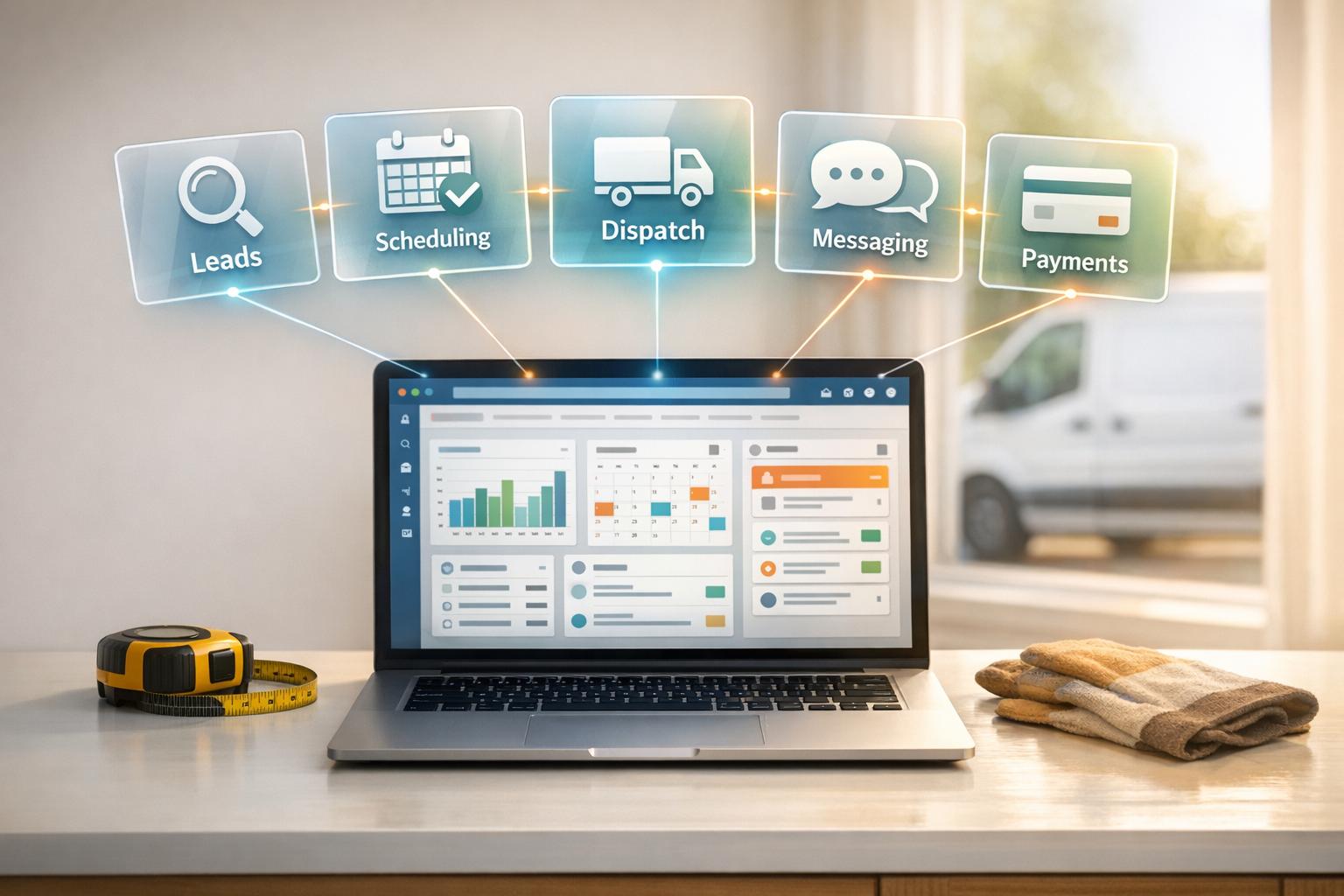
Key CRMs for Home Service Websites:
Quick Comparison Table:
| CRM | Starting Price | Best For | Key Features |
|---|---|---|---|
| HighLevel | $97/month | Marketing-focused teams | AI chatbots, missed-call text-back |
| Jobber | $39/month | Small teams | Scheduling, client profiles |
| Housecall Pro | $65/month | Growing businesses | Online booking, notifications |
| ServiceTitan | $398/month | Large operations | Advanced dispatch, GPS tracking |
| FieldEdge | Custom pricing | HVAC/Plumbing specialists | Dispatching, QuickBooks integration |
| Service Fusion | $225/month | Unlimited users | Lead tracking, job management |
| HubSpot CRM | Free plan | Sales/marketing teams | AI tools, WordPress integration |
Choosing the right CRM depends on your team size, budget, and specific needs. Each option offers tools to boost productivity, organize operations, and improve customer satisfaction.

CRM Comparison Chart for Home Service Businesses: Features, Pricing, and Best Use Cases
Connecting HighLevel to your website is simple, whether you use WordPress or have a custom-built site. For WordPress users, the LeadConnector plugin handles lead forms, AI chat widgets, and funnel pages effortlessly. If you're looking for advanced options like real-time user syncing or tag-based access control, WP Fusion has you covered.
For custom websites, HighLevel offers a REST API and webhooks to manage form submissions, contacts, and automated workflows. If coding isn't your thing, tools like Zapier or Make make it easy to connect HighLevel with over 500 other apps, including Google Sheets, Slack, and QuickBooks - no technical expertise needed.
Now, let’s dive into how HighLevel automates lead management.
HighLevel brings all your communication channels - SMS, email, Facebook Messenger, Instagram, and Google My Business - into one "Conversations" window. This eliminates the hassle of juggling multiple apps. One standout feature is the missed-call text back, which automatically sends a text when you can’t answer the phone. This is especially handy for field technicians who might be tied up.
The platform also includes a visual sales pipeline, allowing you to track leads through stages like "New Lead", "Estimate Sent", and "Job Booked". Automated follow-ups ensure every touchpoint is covered, while the AI chatbot works 24/7 to answer questions and schedule jobs via your website widget. For example, a cleaning company using HighLevel's calendar automation saw a 58% drop in missed appointments within just 30 days.
HighLevel’s tools are tailor-made for home service businesses, offering efficient scheduling and better customer engagement. Its booking system syncs with Google and Outlook calendars in real time, preventing double-bookings. Clients can schedule appointments through branded links, and after a job is completed, HighLevel automatically sends review requests via text or email. Businesses with 50+ reviews can see up to 270% more calls compared to those with fewer than 10.
Take ABC HVAC as an example: they used HighLevel’s seasonal tune-up funnels and automated drip text follow-ups to triple their bookings (a 180% increase) and boost their quote-to-close rate by 42% in just 90 days. They also slashed administrative tasks by 70% and added $19,000 in monthly revenue. HighLevel even offers pre-built landing page templates specifically designed for industries like plumbing, HVAC, roofing, electrical, landscaping, and cleaning services.
"The biggest benefit to Highlevel... is the fact that it keeps everything in one place. We mean everything." - Estatehub
Pricing starts at $97/month for the Starter Plan and $297/month for the Unlimited Plan, which includes unlimited sub-accounts and contacts. A 14-day free trial is available to help you get started.
Jobber connects effortlessly with WordPress using its plugin (introduced in June 2025). For custom websites, responsive embed codes make integration simple, while Zapier enables connections to over 2,000 tools, including Squarespace, Wix, Webflow, Gravity Forms, and Facebook Lead Ads. This setup allows businesses to link Jobber with various platforms, automating lead capture from any online source without manual effort. It’s a straightforward solution for managing leads efficiently.
Jobber takes lead management a step further by automatically creating client profiles and syncing their details whenever a work request or appointment is made. Leads are kept separate from active clients, making it easier to focus follow-up efforts. The Client Hub offers customers 24/7 access to request services, approve quotes, check appointment details (including assigned team members), and make payments. By reducing the need for back-and-forth communication, Jobber simplifies operations. Additionally, businesses using Jobber’s online payment options report getting paid four times faster compared to those relying on checks.
While many CRMs improve efficiency, Jobber’s tools are tailored for home service teams, delivering practical advantages. Its drag-and-drop calendar offers five views and includes map-based routing, which creates fuel-efficient routes based on team GPS locations. Features like automated “on-my-way” texts keep customers informed, and job-specific checklists ensure technicians complete every task properly.
For example, Terence Chan, owner of Impetus Plumbing and Heating, consolidated scattered customer data into Jobber’s searchable database. Similarly, Dave Moerman of Revive Services streamlined his entire workflow - from the first call to final payment. He shared:
"We were able to build a very organized business - and move a prospect from calling in all the way to paying their bill, A to Z." – Dave Moerman, Revive Services
Trusted by over 300,000 home service professionals across 50+ industries, Jobber users report saving an average of 12 hours weekly and experiencing 44% revenue growth in their first year. To access the plugin, the Core plan is required, with additional features like the Marketing Suite and AI Receptionist available for $79/month and $99/month, respectively.
Managing high-speed lead flows is a critical part of running a successful home service business, and integrating the right CRM tools can make all the difference.
Housecall Pro makes website integration simple with two main options. You can opt for their done-for-you website builder service, where their team designs and launches your site, embedding features like Online Booking, Chat, and a Customer Portal directly into the platform. Alternatively, they offer embeddable booking buttons and custom lead forms that can easily integrate with platforms like WordPress or custom-built websites. Plus, with their Zapier integration, you can connect to over 8,000 apps - no coding required. The setup takes less than six minutes, making it quick and efficient.
These tools ensure that lead capture and management are as smooth as possible, giving you more time to focus on your business.
Housecall Pro centralizes all leads from website forms, chat widgets, and even Reserve with Google into a single Job Inbox. This approach allows your team to respond to inquiries instantly. Why is speed so important? Because 78% of customers go with the first service provider who responds, and 41% of appointments are booked outside business hours.
"I own a locksmith business, and I thought Online Booking wouldn't work for us because we have too many different services. I was WRONG. One week in, and 10% of my jobs were booked through the online portal." – Jennifer S., Busy Bees Locks & Keys
By automating these processes, Housecall Pro helps home service professionals save time and improve customer responsiveness.
Beyond lead capture, Housecall Pro offers features designed to simplify on-the-go service management. For example, the Reserve with Google integration places a "Book Online" button directly in your Google Search and Maps listings, helping you connect with customers at the exact moment they’re searching for services. The platform also includes a drag-and-drop calendar for managing recurring jobs, automated technician notifications, and property profiles to track service history and equipment details. These tools ensure that your team is always prepared.
"Having the book online option right underneath in Google made my business glow a little bit better and easier to book." – Andre M., ADM Garage Doors
Businesses using the Online Booking feature see impressive results, completing 63% more jobs in their first year and boosting revenue by over 35% within 12 months. With over 200,000 home service professionals relying on it, Housecall Pro has proven its ability to drive growth. Plans start at $59 per month for a single user.
ServiceTitan is designed specifically for mid-to-large home service businesses, offering advanced features like detailed reporting, multi-location support, and sophisticated dispatching. Unlike generic CRMs, it consolidates lead management and job tracking into a single, cohesive platform.
Connecting ServiceTitan to your website is straightforward, thanks to several built-in tools. You can embed features like the Web Scheduler and Chat-to-Text widgets, enabling 24/7 appointment booking and live customer chats. The Web Scheduler even shows real-time availability, allowing homeowners to book specific time slots that sync instantly with your dispatch board.
Another key feature is the Lead Integration Platform, which automates the transfer of booking requests from sources like Google Local Services, Home Depot, and Trane directly into ServiceTitan. This eliminates manual data entry and streamlines operations. For example, Blue Frost Heating & Cooling adopted the Trane Leads Integration in late 2022, with Marketing Director Tracey Berg noting:
"With the Trane Leads Integration, we can now capture name, address, phone number, and email automatically - all in ServiceTitan. Auto populating this information minimizes the margin of error and saves us from having to enter data twice".
These integrations make it easier than ever to connect your website and streamline your processes.
ServiceTitan is compatible with both WordPress and custom-built websites. WordPress users can integrate via Zapier, while custom platforms can leverage the open API and bookings endpoint to send requests directly to the "Calls" screen . This flexibility ensures the system works seamlessly with your existing setup.
ServiceTitan takes lead management to the next level by automating key processes. Once a lead is captured, the system automatically populates customer details, job type, and marketing data, giving your team full context for follow-ups. The Property Data Tool adds even more value by pulling public record details - like square footage, year built, and assessed value - so your team can qualify leads without reaching out to the customer first.
A dedicated "Follow Ups" tab keeps track of unsold estimates, recurring service opportunities, and expiring memberships. This ensures no lead slips through the cracks, as each one is monitored until it’s marked as "Won" or "Dismissed".
Jacob Levine, Product Manager at ServiceTitan, highlights the importance of these features:
"The name of the game is speed to lead, and these integrations certainly help make sure that you and your office will be the fastest in the business".
ServiceTitan goes beyond basic CRM functionality with tools tailored to home service businesses. The Schedule Assistant uses AI to match technicians based on their skills, location, and availability. After a booking is made, the system sends SMS reminders, technician bios, and live GPS tracking links to customers.
For example, Proskill Services, an Arizona-based company specializing in HVAC, plumbing, and electrical work, uses the GPS tracking feature to ease customer concerns. Co-owner Travis Ringe shared:
"Customers love the live tracking feature, which allows them to see when our techs are scheduled to arrive. That was a huge added benefit for us".
Proskill has maintained a 5-star rating with over 3,000 Google reviews, thanks in part to ServiceTitan’s automated review management tools. Contractors who switch to ServiceTitan often see tangible results, with an average revenue increase of 21% within two years and up to 25% in the first year .
FieldEdge brings advanced CRM capabilities to mid-sized home service businesses, combining real-time dispatching and flat-rate pricing tools into one streamlined platform.
This solution is tailored for businesses that need more than basic CRM features. It integrates lead management with pricing tools and dispatching, offering a robust way to improve efficiency and profitability.
Connecting FieldEdge to your website is a simple process. When visitors fill out forms like "Request a Quote" or contact forms, their information flows directly into the CRM - eliminating the need for manual data entry. To set this up, you just need to paste the provided code into your website's <head> tags. For more advanced needs, API integrations can help route leads into specific categories or even track UTM parameters for marketing insights.
FieldEdge works seamlessly with popular CMS platforms such as WordPress, Joomla, and Drupal. It also syncs in real time with QuickBooks, saving businesses an estimated 20 hours per week on data entry tasks.
FieldEdge takes lead tracking to the next level by using unique phone numbers to identify which marketing efforts are driving results. Once a lead is captured, automated follow-up processes ensure no customer inquiry is overlooked - an essential feature in a field where quick responses often win the job. Additionally, its reporting dashboards provide a clear view of key metrics like revenue, job performance, technician productivity, and customer behavior - all accessible from a single screen.
FieldEdge offers tools tailored specifically for home service businesses. Its smart dispatch board lets you assign jobs with a simple drag-and-drop interface, considering technician skills and availability. The map-based scheduling feature helps optimize routes, cutting down on drive time and fuel expenses. Technicians benefit from a mobile app that provides real-time updates, customer notes, equipment history, and the ability to update job statuses - from "traveling" to "completed" - on the go. Plus, the visual pricebook allows technicians to present "Good-Better-Best" pricing options directly to customers, increasing ticket sizes while maintaining transparency.
Service Fusion is a popular CRM designed for small to medium-sized home service businesses, trusted by over 45,000 companies. It offers dispatch and job management tools that deliver solid functionality without straining budgets - a perfect fit for businesses transitioning from basic systems.
Service Fusion makes it simple to integrate with your website. Its Open API and Zapier integration streamline the process. Using the REST API, developers can set up custom website forms or chat systems to create customers, jobs, or estimates directly in the CRM. For businesses without in-house development teams, Zapier offers a no-code alternative, automatically linking website forms to the platform and removing the need for manual data entry. Additionally, Service Fusion's native integration with Home Advisor ensures that any leads generated on your website are instantly transformed into estimates or jobs in the CRM.
Service Fusion takes website inquiries and turns them into actionable tasks. Leads can be automatically categorized as an "Estimate" or a "Job", with default statuses like "Estimate Requested" or "Unscheduled" assigned right away. The system also tracks referral sources, tagging leads with their origin (e.g., Home Advisor), making it easier to identify top-performing channels and evaluate marketing ROI. To further enhance efficiency, the platform includes a Gmail widget that allows staff to create customer profiles directly from emails. These automation tools simplify lead management, setting the stage for smoother operations.
When a lead becomes a job, Service Fusion offers tools to streamline field operations. It provides real-time GPS tracking for field workers, sends automated "on my way" notifications and job status updates via SMS or email, and integrates with QuickBooks to sync invoices and payments from web-generated jobs. This end-to-end connection between lead capture, field operations, and accounting minimizes errors and saves valuable time.
HubSpot CRM is a powerful tool for home service websites, particularly those built on WordPress. With more than 280,000 WordPress sites using the HubSpot plugin, it has become a trusted choice across various industries. Its free plan includes key features like contact management, forms, live chat, and basic email marketing - perfect for small businesses just getting started.
The HubSpot All-In-One Marketing plugin for WordPress is designed for easy installation - no coding required. Once installed, it automatically applies tracking codes, giving you direct access to CRM tools right from your WordPress dashboard. Joe Howard, Founder & CEO of WP Buffs, highlighted its impact:
"HubSpot was a big factor in helping us scale WP Buffs to $1M in revenue."
The plugin boasts a 4.5/5 star rating and works seamlessly with popular form builders like WPForms, Gravity Forms, and Ninja Forms.
HubSpot isn’t limited to WordPress. It supports custom-built websites through its extensive API options, making it easy for developers to build custom integrations. Impressively, 72% of users report faster-than-expected implementation of HubSpot integrations. The platform also connects with over 1,800 third-party apps, including payment processors, communication tools, and call tracking software, expanding its functionality. This level of compatibility enables advanced automation and tailored solutions for home service businesses.
HubSpot automatically syncs data from website forms, pop-ups, and live chat into a unified contact timeline. Every interaction - page visits, form submissions, and more - is recorded in one place. AI-powered chatbots qualify leads around the clock, while automated follow-up emails and a meeting scheduler (integrated with Google and Office 365 calendars) simplify appointment booking. Businesses using HubSpot integrations have been shown to close eight times more deals, and one study revealed a 15% boost in conversion rates after integrating phone systems.
For home service companies, HubSpot's integration with tools like CallRail ensures that inbound calls are treated with the same level of automation as web form submissions. The system can trigger workflows based on call data, assign leads to technicians, and track progress through the entire sales funnel. For instance, Mesa Labs increased lead capture by 63% after adopting HubSpot’s integrated data approach. Additionally, HubSpot’s AI enrichment feature can turn a simple email address into a detailed profile with company and social information, offering valuable insights before the first interaction.
Picking the right CRM for your home service business depends on factors like team size, budget, and how comfortable you are with technology. The table below breaks down how popular platforms compare when it comes to setup, cost, and features like scheduling and job tracking.
| CRM Integration | Setup Difficulty | Starting Price | Best For | Platform Compatibility | Lead Automation | Home Service Features |
|---|---|---|---|---|---|---|
| HighLevel | High | Varies by partner | Marketing-focused businesses | Facebook, Google, SMS, Email, Web | Robust: AI chatbots, missed-call text-back, drip campaigns | Branded calendars, automated reminders, review requests |
| Jobber | Low | $39/mo | Small businesses (1-5 employees) | Mobile-first, API available | Automated customer communication | Drag-and-drop scheduling, mobile field app |
| Housecall Pro | Low to Moderate | $65/mo | Growing contractors (5-20 employees) | QuickBooks, API available | Automated follow-ups | Equipment records, "on-my-way" notifications, payment processing |
| ServiceTitan | High | $398/mo+ | Large operations (20+ employees) | Extensive marketing and accounting integrations | Advanced: Marketing Pro, automated review requests | AI dispatch suggestions, route optimization, GPS tracking, inventory management |
| FieldEdge | Moderate to High | Custom pricing | HVAC/Plumbing specialists | Deep QuickBooks integration | Standard workflow automation | Dispatching, quoting, flat-rate pricing management |
| Service Fusion | Moderate | $225/mo (Unlimited users) | Businesses needing unlimited users | QuickBooks, API available | Cloud-based lead tracking | Centralized dispatch, job management, real-time vehicle tracking |
| HubSpot CRM | Moderate | Free plan available; paid plans vary | Sales/marketing teams | 1,800+ third-party apps | Customizable workflows, AI chatbots, meeting scheduler | Requires manual configuration for trade-specific workflows |
For small teams with 1–5 employees, options like Jobber and Housecall Pro stand out for their simplicity and mobile-friendly design. Businesses with 5–20 employees may find Service Fusion appealing because of its flat-rate pricing, which supports unlimited users. Larger operations (20+ employees) often rely on platforms like ServiceTitan or FieldEdge, which, while more complex and costly, offer powerful tools for managing large-scale operations.
Customer success stories highlight the potential impact of these platforms. ServiceTitan users report a 25% revenue boost in their first year. Meanwhile, businesses using Housecall Pro often see revenue grow by over 35% within 12 months. For those focused on marketing automation, HighLevel excels with features like missed-call text-back, which can significantly improve lead conversion rates.
Whether you're managing a small team or a large operation, finding a CRM that balances user-friendliness, automation, and industry-specific tools is key. Carefully weigh factors like setup difficulty, pricing, and the features you need to ensure the platform aligns with your goals.
Estatehub simplifies customer relationship management for home service providers by offering ready-to-use HighLevel CRM accounts. These accounts come preloaded with pipelines, templates, and automations, making it easier to manage communications across multiple platforms - SMS, Email, Facebook, Instagram, and Google My Business. Features like automated appointment reminders, review requests, and missed-call text-back ensure no lead slips through the cracks. By removing the hassle of setup, contractors can focus on their day-to-day operations instead of struggling with tech configurations. Plus, the system integrates smoothly with existing tools to enhance overall efficiency.
The results speak for themselves. For instance, Korbin Reitz experienced a dramatic shift in early 2024, scaling from booking just one or two jobs per month to nearly 20 within about 45 days. Similarly, Zach Rollins reported securing nearly $3,000 in new business during his first week using the system in May 2024. These success stories highlight how a well-integrated CRM can transform home service businesses, driving both efficiency and growth.
"We offer built out accounts that are already set up with pipelines, templates, automations, and more, specifically tailored to home service providers." - Estatehub
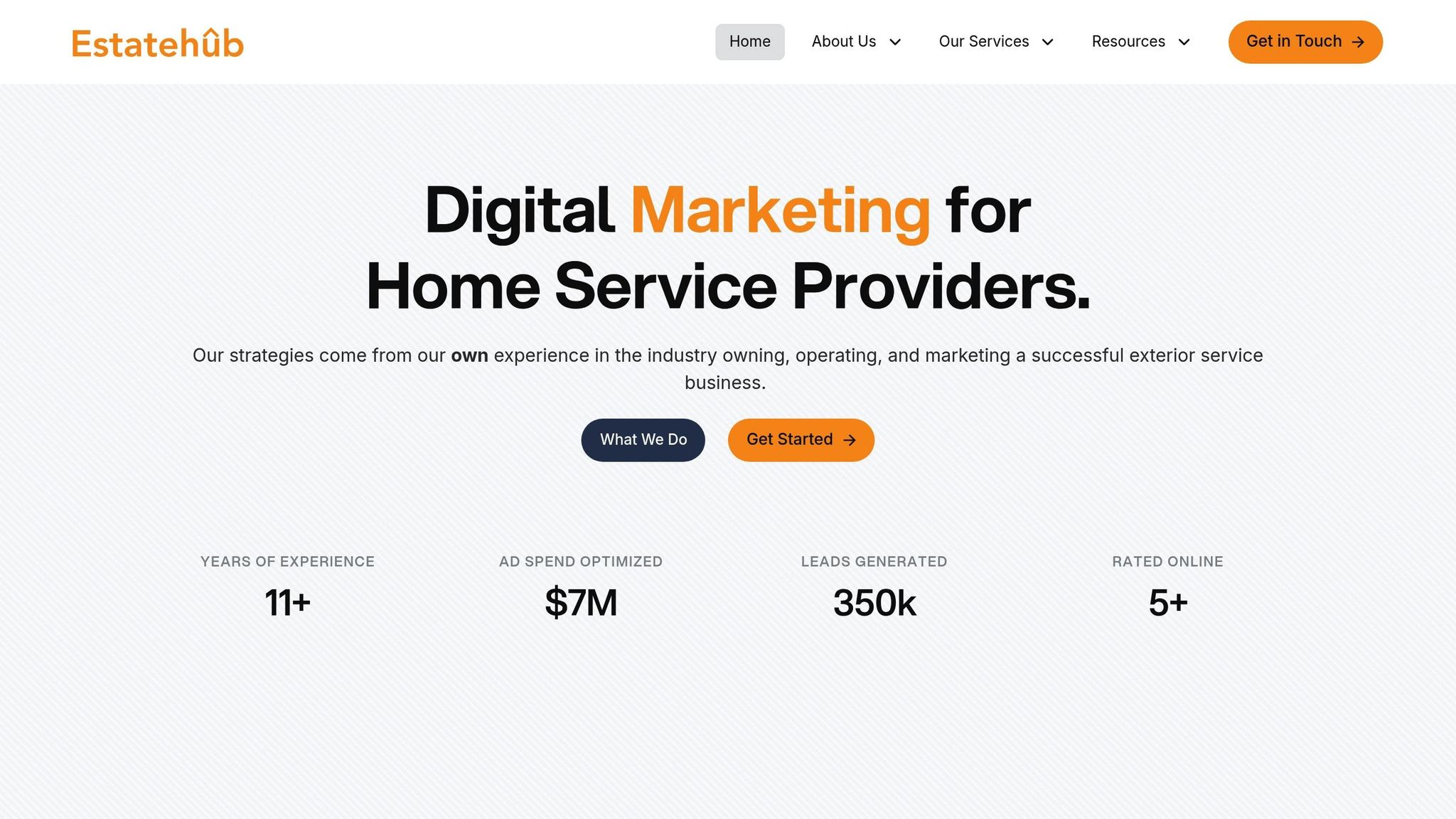
Estatehub provides a 14-day free trial to help businesses get started. Their Starter Plan is priced at $97/month, while the Unlimited Plan, which includes unlimited sub-accounts and contacts, costs $297/month. Over the past 11 years, Estatehub has fine-tuned $7 million in ad spend, generated over 350,000 leads, and maintained consistent 5-star ratings. Their team also offers personalized onboarding to ensure that CRM features align perfectly with each business's unique needs. This level of customization underscores Estatehub's mission to empower home service providers with tools that truly make a difference.
A well-chosen CRM system can completely change how businesses handle leads and drive growth. With 91% of businesses with more than 11 employees using CRM software, the numbers speak for themselves. On average, companies see a $8.71 return for every dollar spent on CRM, along with a 29% increase in sales and a 34% boost in sales productivity. The right CRM doesn’t just organize - it streamlines, automates, and scales with your business.
"With so many potential clients looking for immediate solutions, the speed and efficiency of your follow-up can make or break a sale."
– Alex Radetic, Nuvo Agency
These tools ensure no opportunity is missed by automating follow-ups and improving efficiency. Free trials are a great way to test how well a CRM fits into your existing workflow, so don’t hesitate to explore.
Looking at the bigger picture, the home service industry is expected to exceed $1 trillion by 2025. To stay competitive, businesses need to embrace tools that enable faster, more personalized service. A CRM tailored to your specific needs can simplify operations, tackle challenges, and free up time for what matters most - growing your business. Estatehub's HighLevel CRM services are designed with these goals in mind, helping home service providers unlock their full potential.
Integrating a CRM with your home service website can transform how you manage operations and interact with customers. For starters, it allows for automated lead capture. When potential clients fill out forms or engage with your website, their information is automatically recorded. This eliminates the need for manual data entry, reduces errors, and ensures that no lead is overlooked.
Another major perk is the centralization of customer data. Your team gets a complete view of every client’s interactions, appointments, and communication history. This makes follow-ups more efficient and enables tailored customer service. Plus, a CRM can handle routine tasks like sending appointment reminders, requesting reviews, or running marketing campaigns. These automations save time while keeping customers engaged and informed.
Quick response times are another standout advantage. With instant notifications from the CRM, your team can act promptly on new leads, improving the chances of turning inquiries into paying customers. In short, integrating a CRM simplifies processes, drives sales, and strengthens customer connections - making it a must-have for any growing home service business.
When picking a CRM for your home service business, it’s important to choose one that aligns with your specific needs and goals. Start by considering the size and complexity of your business. Some CRMs are better suited for smaller teams, while others come packed with advanced tools designed for larger operations.
Focus on essential features like customer communication tools, automated scheduling and reminders, and the ability to integrate seamlessly with other systems, such as marketing or accounting software. These features can save time and improve efficiency.
Ease of use is another key factor. A CRM with a simple, intuitive interface makes it easier for your team to adopt and use effectively, helping streamline day-to-day workflows. For home service businesses, look for industry-specific features like appointment reminders, review request tools, and multi-channel messaging options. These can make a big difference in keeping customers engaged and coming back.
In the end, go for a CRM that strikes the right balance between scalability, functionality, and simplicity, ensuring it supports your business now and as it continues to grow.
Customer Relationship Management (CRM) tools can play a big role in increasing revenue for home service providers. They simplify how businesses manage leads, strengthen customer relationships, and automate essential tasks.
With CRM tools, businesses can track leads more efficiently, ensure follow-ups happen on time, and keep communication with customers consistent and professional.
By making operations smoother and improving the overall customer experience, these tools help businesses close more deals and build lasting client loyalty. This not only boosts revenue but also supports steady, long-term growth.
Sign up for the newsletter and be the first to read our articles.


Every single person on our agency team has spent a lot of time in the field either running their own business or working for larger marketing agencies. We have all put in the time responding to leads, helping customers, scheduling and doing services. This gives us a massive advantage when making decisions.
One thing that has always been very special to us, is the fact that (excluding spam / people that never used our services) we do not have any bad reviews. This absolutely does not mean we have never had unhappy clients, but if it happens, we make it right, and stand behind our promises.
We have seen, time and time again, other agencies using strategies and structuring campaigns the way that they are technically supposed to. Most of these "best practices" that are taught in our industry, simply do not transfer into local lead gen. This is partially because we do have a much different target audience, and are typically spending less, however optimizing for website traffic does not work here.
We have been there, jumping into starting a home service business, struggling, and doing everything wrong. It's humbling. Our team has all felt the highs and lows, which is why we get so excited for our clients to win, we know how good it feels.

Estatehub is not a normal agency, we know "clicks" don't get you sales. Let us show you how lead gen experts do it.

