


Overview of Common Stains
Full overview of the most common stains, including how to identify them and treat them
Marketing automation tools can save you time, increase efficiency, and improve customer engagement. But choosing the right one depends on your business size, goals, and budget. Here's a quick overview of popular tools and their strengths:
Quick Tip: SMBs often see a 544% ROI over three years by automating repetitive tasks like email campaigns and lead scoring. The key is finding a platform that aligns with your needs or consulting with our team to find a solution that scales with your business.
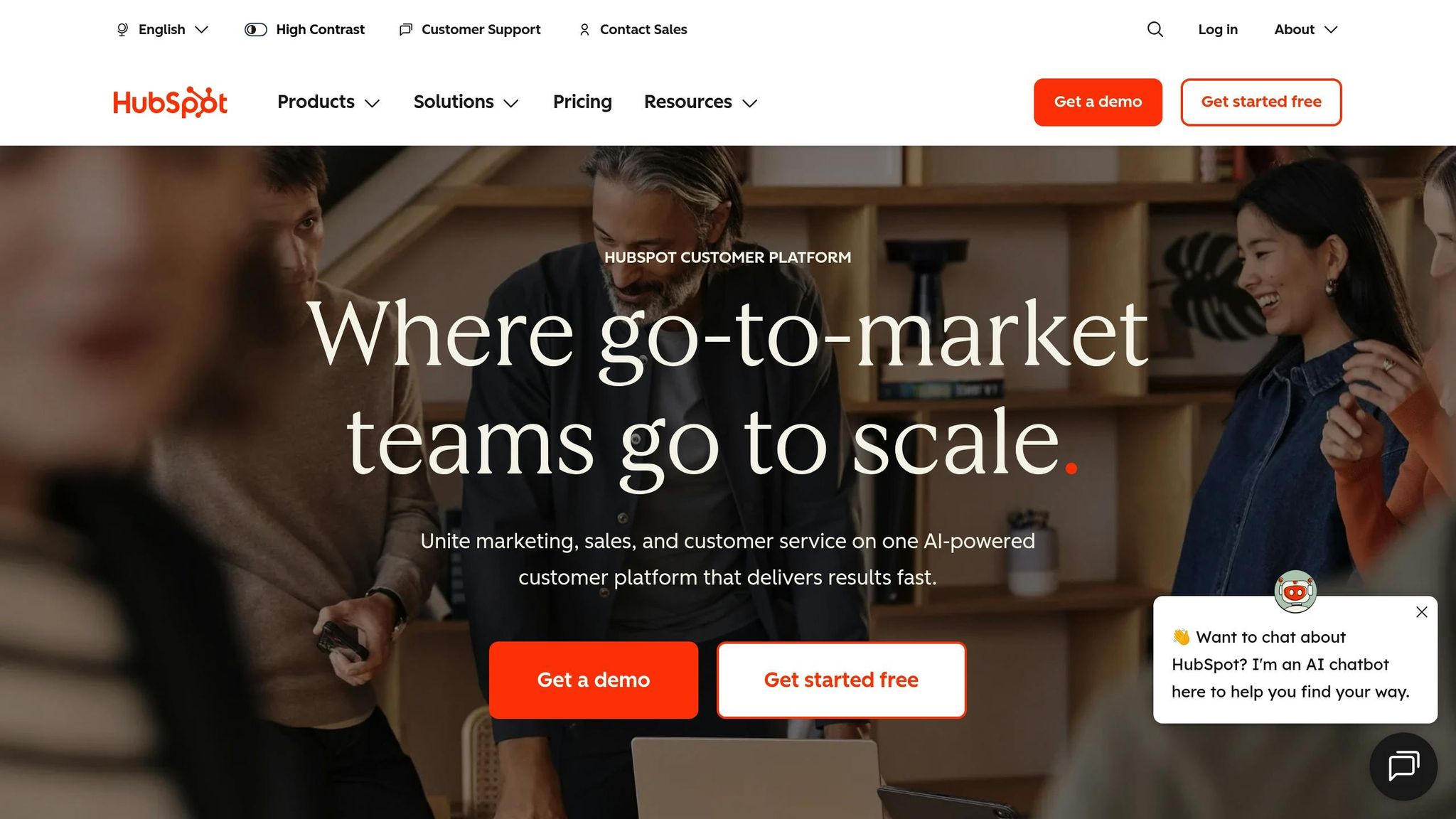
HubSpot Marketing Hub brings together marketing, sales, and service tools into one platform, making it easier to manage customer interactions from start to finish. Whether you're handling leads from paid ads, SEO efforts, or referrals, HubSpot tracks every step - from the first website visit to the final invoice. Its "Breeze" AI suite takes care of tasks like scheduling social media posts, creating content, and scoring leads to identify high-conversion opportunities.
HubSpot offers four pricing options:
If your contact list grows beyond your plan's limit, you'll automatically move to a higher pricing tier. As a rule of thumb, plan for about 150% of your current contact count.
HubSpot's drag-and-drop builder makes it easy to create email campaigns, landing pages, and automation workflows. The platform has proven results: 82% of marketers report increased lead generation, 76% see better conversion rates, and some users have seen website traffic grow by 134% after adopting HubSpot.
With over 1,400 app integrations - including Google Ads, Meta, and WordPress - HubSpot works seamlessly with the tools you already rely on.
"The combined effect of having all of your data and growth activity in one place can unleash tons of creative automation possibilities that would be difficult or impossible if you used separate tools." - Alex Birkett, Marketing Expert
HubSpot is a solid option for small businesses looking to streamline their tools. The Starter plan offers professional branding and basic automation, but features like A/B testing, social media management, and omnichannel workflows are only available in the Professional tier. HubSpot Academy's free certifications help users get up to speed quickly, and early-stage startups can benefit from discounts of up to 90% during their first 12–24 months.
Next, we’ll dive into how ActiveCampaign caters to growing businesses.
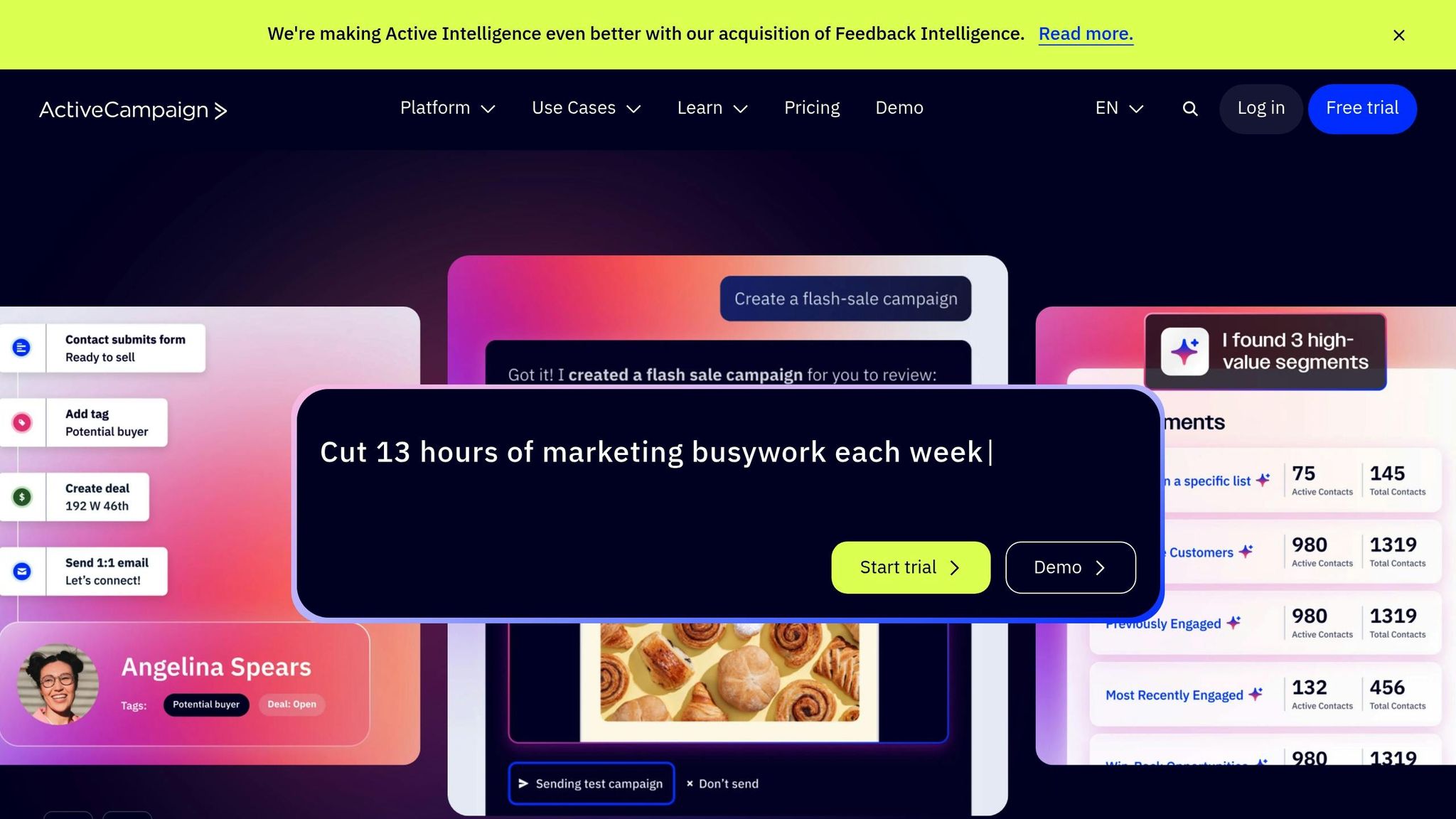
ActiveCampaign fills the gap between basic email tools and high-end enterprise solutions, offering powerful automation at a mid-range price point. Its visual automation builder uses a drag-and-drop interface with "If/Then" logic, allowing you to design multi-channel customer journeys triggered by actions like website visits, email interactions, or CRM updates. With over 950 integrations and a 93.4% deliverability rate, it’s a great choice for businesses that need more advanced automation than Mailchimp but aren’t ready to commit to the cost of enterprise-level platforms.
ActiveCampaign’s pricing is contact-based and split into four tiers. The Starter plan begins at $15/month but limits you to five automation actions, making it less suitable for complex workflows. For most small businesses, the Plus plan at $49/month is a better fit, unlocking unlimited automation actions, landing pages, and a built-in CRM. The Pro plan, priced at $79/month, includes AI-powered predictive sending and attribution reporting, while the Enterprise plan at $145/month offers features like single sign-on and a dedicated account team.
However, pricing can rise quickly as your contact list grows. For example, moving from 1,000 to 10,000 contacts can increase your bill by nearly five times. Additionally, since November 2025, ActiveCampaign charges for every contact in your database, including unsubscribed or bounced ones, so regular list cleanups are crucial.
Where ActiveCampaign shines is in its automation capabilities. For instance, Morrow Audio recovered 26% of abandoned carts and generated $30,000 in revenue - 3.7 times the industry average - using its advanced workflows. Similarly, Tower, a software company, saw a 400% boost in click-through rates after switching to ActiveCampaign’s email tools and automation features.
"We used HubSpot before, but ActiveCampaign has a lot more logical flow to it. This has allowed us to create a more complicated set of automations based on people moving through that pipeline." - Alec M., Party Headphones
The platform also incorporates AI tools like Active Intelligence, which can create campaigns from simple prompts, and an AI Brand Kit that generates branded templates based on your website URL. Its site tracking capabilities are another standout feature, enabling automations based on user behavior - like revisiting a pricing page - and delivering personalized content based on browsing history.
With a 4.5/5 star rating from over 14,000 reviews, ActiveCampaign is widely appreciated for its advanced automation features, though users often mention a learning curve of 2–4 weeks. The $49/month Plus plan, which includes unlimited automations and a full CRM, offers excellent value - costing about one-fifth of HubSpot’s Professional tier for similar contact volumes. Free migration services and one-on-one onboarding make the transition smoother, but mastering the platform’s complexity will require some time and effort.
Next, we’ll take a look at how Mailchimp serves businesses that prioritize simplicity over complexity.
Mailchimp supports over 14 million customers worldwide and processes more than 1 billion emails every day. It offers an easy-to-use drag-and-drop email builder alongside a visual workflow creator. Like HubSpot and ActiveCampaign, Mailchimp provides a versatile set of tools designed to meet the needs of various businesses. Beyond email marketing, it includes features for building landing pages, scheduling social media posts, SMS marketing, and even managing a basic CRM.
Mailchimp offers four pricing tiers: Free, Essentials, Standard, and Premium.
One thing to note: Mailchimp charges for all contacts in your database, including unsubscribed, bounced, and duplicate entries. This means your costs can quickly rise as your contact list grows. Regularly cleaning your list can help keep expenses in check.
Mailchimp integrates seamlessly with e-commerce platforms like Shopify and WooCommerce. Its AI-powered Creative Assistant and Smart Suggestions help automate tasks like abandoned cart recovery and personalized product recommendations. Automated workflows on Mailchimp have been shown to generate up to four times more orders compared to standard bulk email campaigns.
That said, while the Customer Journey Builder is user-friendly and visually appealing, it lacks more advanced conditional logic (like "If/Then" branching) that some other platforms offer. This can be a limitation for businesses needing highly customized automation.
Mailchimp scores 4.4/5 on G2 and 4.5/5 on Capterra, making it a popular choice for small and medium-sized businesses (SMBs). Its beginner-friendly design and extensive library of over 300 integrations make it a reliable starting point for those new to email marketing. Additionally, the platform offers a wealth of tutorials and a supportive community to help users get the most out of its features.
"Mailchimp is often the first email marketing tool businesses try - and for good reason. It's easy to set up, visually intuitive, and offers a broad set of features." - SaaS CRM Review
However, as businesses grow and require more advanced automation or manage larger contact lists, Mailchimp's pricing structure and feature limitations might start to feel restrictive.
Next, we’ll take a closer look at Brevo and its volume-based pricing model.
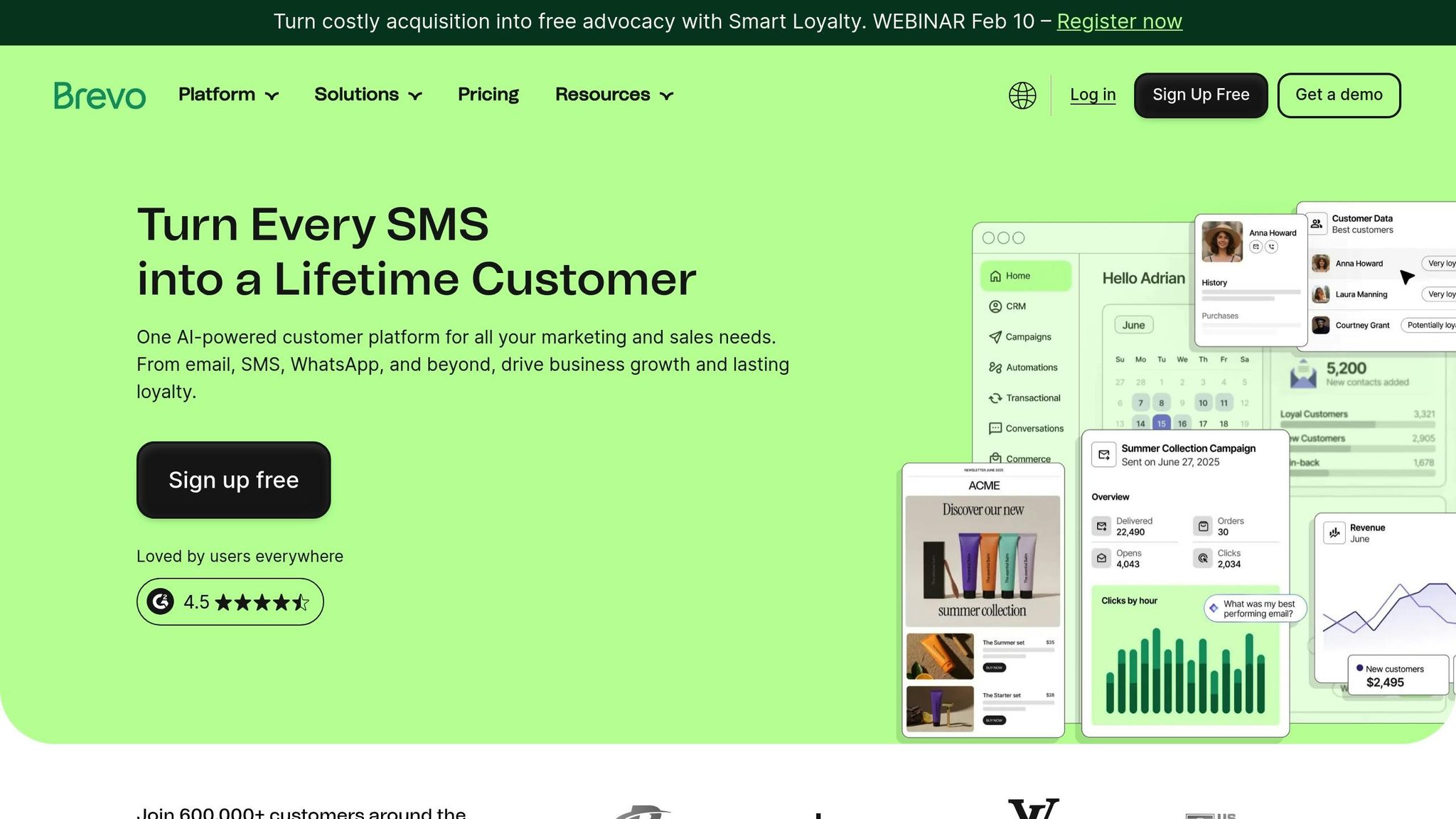
Brevo supports 600,000 customers and uses a volume-based pricing model, charging per email sent instead of per contact. This allows businesses to maintain unlimited contacts, even on lower-tier plans [44,37].
Brevo offers five pricing options:
Brevo combines email, SMS, WhatsApp, push notifications, and live chat within a single dashboard. Its Aura AI suite enhances marketing efforts by generating copy and automatically segmenting audiences. A user-friendly drag-and-drop editor and pre-designed templates for tasks like abandoned cart reminders and welcome series enable businesses to set up automations in just 10 minutes. To ensure reliability, Brevo guarantees a 99% deliverability rate by separating transactional and marketing email streams and employing a double opt-in process.
Real-world success stories highlight its impact. In 2025, Buffalo Grill digitized its loyalty program with Brevo, activating 500,000 loyalty cards in six months and achieving a 47% repeat visit rate. Monisnap used Brevo's automation tools to boost customer loyalty by 40% and triple its money transfer transactions [45,47].
Brevo has received strong ratings, with 4.5/5 on G2 and 4.6/5 on Capterra. Users appreciate its affordability and straightforward interface. On average, email marketing through Brevo delivers an ROI of $36 for every $1 spent. However, some users mention a smaller template library (about 40 templates) and the absence of a fully functional mobile app for campaign management [51,37].
"I don't have time to spend hours understanding how to set things up. Brevo's campaign builder is very straightforward. I can create professional emails in minutes." - Paul Lacitinola, Owner, Vintage Camper Trailers
Next, we examine Omnisend's e-commerce automation features.
Omnisend is built with ecommerce businesses in mind, offering automation tools tailored specifically for online retailers. By combining email, SMS, and web push notifications into unified workflows, the platform ensures consistent communication across multiple channels. Pre-designed templates streamline processes like abandoned cart recovery, browse abandonment, and post-purchase follow-ups, helping businesses boost revenue. Here's a closer look at its pricing and features.
Omnisend follows a contact-based pricing model, where costs increase as your subscriber list grows. The Free Plan supports up to 250 contacts and 500 emails per month, with $1 worth of SMS credits included. The Standard Plan starts at $16 per month for 500 contacts and 6,000 emails, while the Pro Plan begins at $59 per month, offering 2,500 contacts, unlimited emails, and SMS credits equal to the plan's monthly cost. For businesses with over 150,000 contacts, custom pricing and dedicated account support are available.
Omnisend's "Breeze" AI simplifies email creation and customer segmentation by using plain-text descriptions. The platform has delivered impressive results for its users. For instance, LEGO Colombia transitioned from Mailchimp to Omnisend in 2020 and saw automated workflows contribute to 26% of total sales, with an average click-through rate of 10% across all sequences. Back-in-stock automations stood out with a 6.41% conversion rate, the highest among automated flows. During Black Friday/Cyber Monday 2024, Rachel Riley, a British brand, leveraged Omnisend's tools to generate 48% of its store revenue and achieved a 77% year-over-year increase.
Omnisend has received glowing reviews from users, earning ratings like 4.6/5 on G2, 4.7/5 on Capterra, and 4.8/5 on the Shopify App Store. It delivers an average ROI of $79 for every $1 spent, and businesses can set up revenue-driving sequences in as little as 15 minutes. However, its ecommerce focus makes it less ideal for service-oriented businesses that need custom quoting. Automated emails are especially effective, generating nearly 40% of all email-attributed revenue while accounting for just 3% of total send volume.
"Automated emails generated nearly 40% of all email-attributed revenue while accounting for roughly 3% of total send volume. The largest share of automated orders continues to come from three high-intent flows - abandoned cart, welcome, and browse abandonment." - Evaldas Mockus, VP of Growth, Omnisend
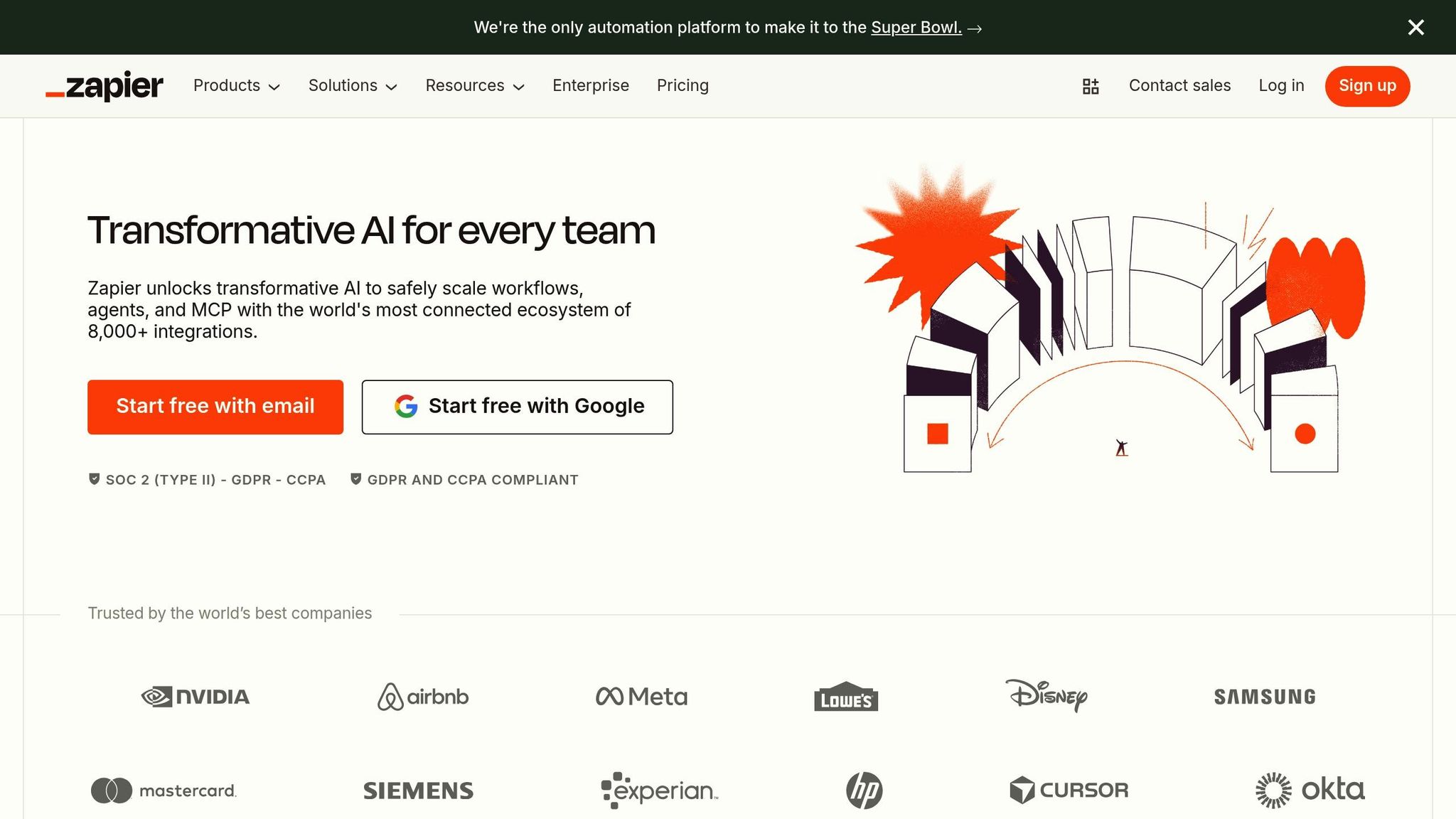
Zapier acts as a bridge between your marketing tools, seamlessly connecting over 8,000 apps like HubSpot, Salesforce, Mailchimp, and Facebook Lead Ads. It eliminates the need for manual data entry by automating repetitive tasks. One standout feature is its AI orchestration, which lets you integrate tools like ChatGPT, Claude, or Gemini into workflows. This means you can automate tasks like drafting email copy, classifying leads, or summarizing campaign data - all without needing to write a single line of code. Plus, its task-based pricing model ensures you only pay for what you use.
Zapier’s task-based pricing model charges you only for successful actions completed by a Zap. Triggers, data polling, and tools like Filters and Paths don’t count toward your monthly task limit. Here’s a quick breakdown of their plans:
Zapier’s automation capabilities are both powerful and user-friendly. Its no-code interface makes it easy to set up workflows in minutes. For example:
Additionally, built-in Paths allow businesses to segment leads into targeted campaigns based on engagement.
Zapier is an excellent tool for small businesses looking to scale without increasing staff. For instance, Premiere Property Group automated onboarding for 1,300 real estate lead generation agents using Zapier Forms and Tables, saving $115,000 annually. However, high-volume users should be cautious - every step in a multi-step workflow consumes a task, which can add up quickly. Zapier works best as a central hub that connects and automates your existing marketing tools, rather than as a standalone solution.
"Zapier delivers better long-term value - especially when you factor in predictability, ease of use, and the cost of your time." - Nicole Replogle, Staff Writer, Zapier

Marketing Automation Platform Comparison for SMBs: Pricing, Features & Best Use Cases
Looking at the reviews, each marketing automation tool comes with its own set of strengths and drawbacks, which can influence your budget, workflow, and growth trajectory.
HubSpot is a powerhouse as an all-in-one platform with a built-in CRM. However, its hefty onboarding fees ($3,000–$7,000) and rapidly increasing costs make it less accessible for smaller businesses. For example, first-year costs for the Professional tier can exceed $25,800.
On the other hand, ActiveCampaign is a solid option for growing businesses. It offers advanced visual automation and behavioral triggers at competitive prices, with no setup fees to worry about. That said, its CRM features are relatively basic compared to platforms designed specifically for customer relationship management.
Mailchimp stands out for its user-friendly interface and a free tier for up to 500 contacts. However, as contact lists grow, users often struggle with its limited branching logic and diminishing support quality. For budget-conscious startups, Brevo and Omnisend are strong contenders. Brevo’s volume-based pricing and Omnisend’s free tier with e-commerce workflows cater well to retail-focused SMBs. But neither offers the advanced B2B capabilities or deep CRM integration that larger, more established businesses might require.
Zapier takes a different approach, acting as an integration layer rather than a standalone marketing tool. With pricing between $19.99 and $69 per month depending on task volume, it connects over 8,000 apps seamlessly. However, high-volume users need to keep an eye on task usage, as every step in a workflow counts toward the monthly limit. Interestingly, data shows that 89% of complex HubSpot workflows were abandoned within 90 days, while 78% of ActiveCampaign workflows remained active - illustrating how critical it is to pick a platform that aligns with your team's technical skills.
| Platform | Monthly Cost | Setup Fee | Best For | Key Limitation |
|---|---|---|---|---|
| HubSpot | $800+ | $3,000+ | Enterprise B2B ($1M+ revenue) | Expensive scaling; steep learning curve |
| ActiveCampaign | $15–$149 | $0 | Growing SMBs ($100K–$2M revenue) | Limited CRM features |
| Mailchimp | $13–$350 | $0 | Beginners/simple newsletters | Limited automation logic |
| Brevo | $8–$65 | $0 | Budget-conscious startups | Lacks advanced B2B tools |
| Omnisend | $16–$99 | $0 | E-commerce retailers | Not ideal for non-retail businesses |
| Zapier | $19.99–$69 | $0 | Connecting disparate tools | Task-based pricing can add up quickly |
The numbers tell a compelling story: businesses adopting these tools can experience a 451% increase in qualified leads while saving 15–25 hours per week on repetitive tasks, particularly in industries like home services.
These insights provide a clear foundation for identifying the platform that best suits your specific business needs.
The right automation tool for your business depends on factors like size, technical know-how, and growth goals. For home service providers generating leads regularly, you need a platform that streamlines everything - from the first interaction to booking.
If you’re dealing with fragmented tools and rising costs, an all-in-one system can be a game changer. For local service businesses, GoHighLevel offers a comprehensive solution, combining CRM, SMS, calling, funnels, and appointment scheduling for a flat $97/month, regardless of your contact list size. This predictable pricing model eliminates the headaches of per-contact fees. Businesses using integrated platforms like this often experience a 25–30% boost in lead conversions while cutting down on time-consuming manual tasks.
For those relying on platforms like Mailchimp or Calendly, HighLevel consolidates lead data and automates the customer journey. It also comes with white-label options, making it a great fit for agencies.
Estatehub, a digital marketing expert for home service providers, leverages HighLevel CRM to ensure no lead is overlooked. Their approach integrates paid ads, SEO, and website traffic into seamless follow-up processes. Whether you run an HVAC, plumbing, or landscaping business, combining Estatehub's lead generation strategies with a unified automation platform creates a system where every lead is nurtured and maximized.
With 76% of companies already using marketing automation and achieving an average ROI of 544% over three years, the benefits are clear. The challenge lies in choosing a platform that aligns with your workflow and scales as your business grows.
When choosing a marketing automation tool, it’s all about finding the right fit for your business size and where you are in your growth journey. If you’re a small business with tight resources, look for tools that won’t break the bank but still offer key features like email automation and lead scoring. These can help you save time and stay organized without overwhelming your team.
For businesses that are expanding, scalability becomes a priority. You’ll want platforms that can grow with you, offering more advanced features such as CRM integration and detailed analytics to give you deeper insights into your campaigns.
No matter your size, focus on tools that match your budget, meet your current needs, and support your long-term goals. The right tool should feel like a partner in your growth, not just another expense.
When estimating costs as your contact list expands, it's important to factor in several elements like the size of your list, the features you need, and how much you'll use the platform. Typically, costs rise with each contact tier - expect an increase of around $50 to $200 per tier.
Don’t forget additional expenses like setup fees, training, and customer support, which can add an extra 15–25% to your annual budget. To avoid unexpected costs as your business grows, create a detailed growth plan and use your platform’s pricing structure to forecast expenses ahead of time. This way, you'll stay prepared as your needs evolve.
To achieve faster ROI, prioritize automations that tackle repetitive tasks such as email marketing, social media scheduling, and lead management. Start by setting up email sequences, implementing lead scoring, and creating multi-channel campaigns. These essential automations not only save time but also ensure consistent engagement with prospects. As a result, you can improve conversions while freeing up your time to focus on driving strategic growth.
Sign up for the newsletter and be the first to read our articles.


Every single person on our agency team has spent a lot of time in the field either running their own business or working for larger marketing agencies. We have all put in the time responding to leads, helping customers, scheduling and doing services. This gives us a massive advantage when making decisions.
One thing that has always been very special to us, is the fact that (excluding spam / people that never used our services) we do not have any bad reviews. This absolutely does not mean we have never had unhappy clients, but if it happens, we make it right, and stand behind our promises.
We have seen, time and time again, other agencies using strategies and structuring campaigns the way that they are technically supposed to. Most of these "best practices" that are taught in our industry, simply do not transfer into local lead gen. This is partially because we do have a much different target audience, and are typically spending less, however optimizing for website traffic does not work here.
We have been there, jumping into starting a home service business, struggling, and doing everything wrong. It's humbling. Our team has all felt the highs and lows, which is why we get so excited for our clients to win, we know how good it feels.

Estatehub is not a normal agency, we know "clicks" don't get you sales. Let us show you how lead gen experts do it.

