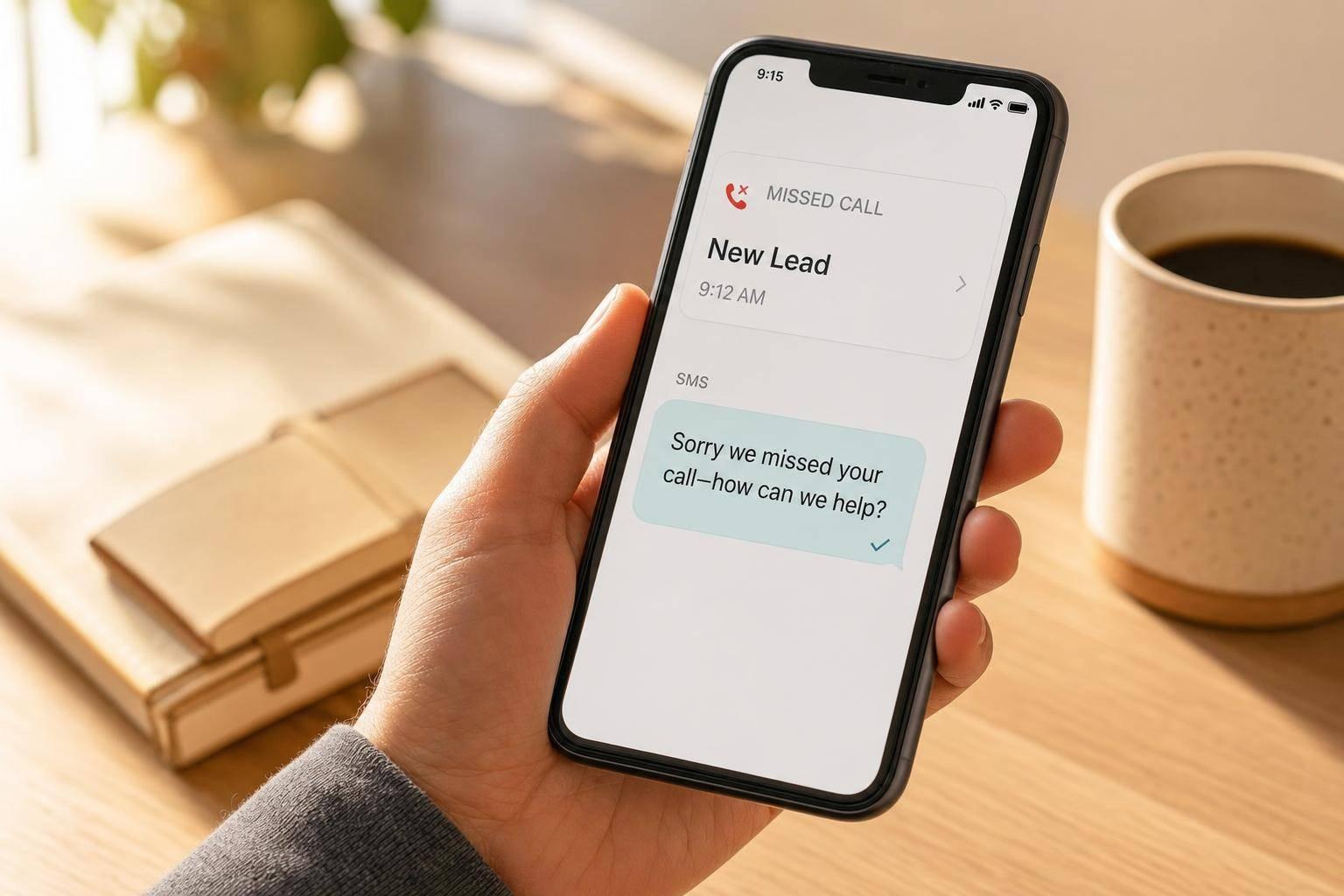
A missed call text back is an automatic text your business sends seconds after you miss a call, and it can help save leads that would otherwise disappear with aggressive lead generation strategies.
If your team misses calls during jobs, after hours, or while driving, this tool gives callers a fast reply instead of voicemail silence. That matters because 85% of callers who hit voicemail do not leave a message or call back, and businesses that respond within 5 minutes are 21x more likely to qualify a lead.
Here’s the short version:
- Your phone rings and no one answers
- The system marks the call as missed
- A text goes out right away
- The caller can reply by text
- Your team steps in to finish the conversation
The setup is simple, but a few parts have to be in place:
- An SMS-enabled business number
- A2P 10DLC registration or toll-free verification in the U.S.
- Missed-call triggers for No Answer, Busy, or Voicemail
- A short first message that says who you are, mentions the missed call, and includes “Reply STOP to opt out”
This tool does not do everything. It can start the conversation, log the contact, and alert your team. But your staff still needs to handle pricing, job details, reschedules, and urgent service calls.
| Topic | What to know |
|---|---|
| What it is | An automatic SMS sent after an unanswered inbound call |
| Why it matters | Many callers move to the next company fast |
| Best use case | Home service businesses that miss calls during work or after hours |
| What it handles | First reply, contact logging, tagging, team alerts |
| What it does not handle | Full job screening, calendar issues, emergency coordination |
| Main setup need | Verified text-enabled business number |
| Key stat | 20% to 35% of missed calls may still turn into leads or bookings |
If your business depends on inbound calls, missed call text back is a simple way to give every missed call a second shot instead of a dead end.

Missed Call Text Back: Key Stats & How It Works
The 5-Minute Setup That Saves Leads (Missed Call Text Back)
sbb-itb-2aa0348
The problem missed calls create
A missed call often turns into a lost lead when no one follows up right away. A roofer wrapping up a job or an HVAC tech driving between stops can't always answer the phone. And when that silence drags on, the caller often moves to the next company.
That matters because most callers don't leave a voicemail. In fact, 85% of callers who reach a voicemail won't leave a message and won't call back. For a landscaping company or an epoxy flooring pro, that can mean losing a lead the business never even knew it had.
Why home service leads move fast
Home service leads don't usually sit around. When a homeowner calls for a quote or repair, they're often ready to hire someone soon. If one company doesn't answer, they'll call the next name on the list.
The timing makes this even harder. A large share of home service inquiries comes in during evenings and weekends, which is often when crews are off the clock and owners are away from the office. If no response goes out right away, that lead can go cold before the next business day.
What happens when no response goes out
When no one responds, the caller gets nothing back and the business misses details that matter, like the address, the type of job, and how urgent it is. As the gap gets longer, follow-up gets harder. The caller is also more likely to contact another company while they're still ready to act.
Automated text back can recover 20% to 35% of missed calls as leads or booked appointments if it sends right away. That's the exact gap missed call text back is built to fill.
How missed call text back works in practice
When a call goes unanswered, the system sends an automated SMS within seconds. It monitors calls to your business number, and when a call is marked as missed or unanswered, it triggers an automated text to that caller.
There’s one catch: the reply still needs to come from a text-capable business number. If the caller dialed a number that can’t receive texts, the system sends the message from an eligible business number.
What the automation actually handles
The automation covers three jobs: it detects the missed call, sends the text, and creates or updates the contact record. It also tags the lead as a missed call for later tracking and follow-up, and your team gets an internal notification.
Once the caller replies, the automation stops and routes the conversation to the Conversations inbox, where your team takes over.
What the first text should accomplish
After the system sends the reply, the message has to do the heavy lifting. The first text should:
- Identify your business
- Acknowledge the missed call
- Invite a reply
- Set the next response window
If the call came in after hours, say that clearly. Don’t suggest someone is available if they’re not.
Keep the first text short and link-free. Also include "Reply STOP to opt out" to stay compliant with A2P 10DLC regulations.
What you need to set it up and where it falls short
Setup requirements before turning it on
Once the first text is written, the next job is making sure it goes out every time. For that to happen, a few basics need to be in place.
The big one is a verified, SMS-enabled business number. In the U.S., that usually means A2P 10DLC registration for local numbers or toll-free verification. Without that step, carriers are more likely to filter automated texts before they ever reach the lead.
Inside your CRM, turn on missed-call detection and set a ring timeout, usually 10 to 20 seconds, so the system can tell when a call counts as missed. After that, set the trigger to fire for statuses like "No Answer", "Busy", or "Voicemail".
Two things often slip through the cracks:
- Test from an outside number
- Confirm the auto-reply, contact creation, and inbox routing all work
That quick check can save you from finding out later that the setup looked fine on paper but failed when a lead actually called.
Where automation ends and your team takes over
After setup, the main point is simple: automation starts the conversation, but people still have to finish it.
The system handles the first move. It spots the missed call, sends the text, and logs the contact. But once the lead replies, your team has to take over.
A few limits are worth knowing:
- Service qualification: The system can ask a simple opening question, but if the request is unusual or more involved, your team has to sort it out.
- Scheduling: You can send a booking link on autopilot, but calendar conflicts, reschedules, and emergency dispatch still need human judgment.
- Urgent requests: The automation can acknowledge the emergency and alert the team, but someone still needs to call back and coordinate technician arrival.
There are also cases where the text may not go out at all. Blocked, private, or SMS-incompatible numbers may not receive it. Forwarded calls may not show up as missed. And contacts using Do Not Disturb won't get the message.
So yes, the system can buy you a little time. But only a little. Your team still needs to move fast.
Why missed call text back is worth using
Even with a simple setup, the payoff is plain. The problem is simple: 85% of callers who reach voicemail won't leave a message and won't call back. So when a call slips through, missed call text back gives you a shot to jump back into the conversation before that lead moves on.
The data backs this up. Businesses that contact a lead within 5 minutes are 21 times more likely to qualify that lead than those that wait 30 minutes. And since 84% of consumers read a business text within 15 minutes of getting it, an automated reply sent within seconds can reach someone while they're still ready to respond.
That kind of speed matters, especially for home service providers. If you're a roofing company or HVAC tech, one missed call can turn into a lost job worth hundreds or even thousands of dollars in service revenue. The ROI is hard to miss: the feature costs pennies per message, but it can help protect jobs that often go to the first business that replies.
GoHighLevel's missed call text back feature turns a missed call into a second chance.
FAQs
Can any business phone number send these texts?
Not every number can do this by default.
In GoHighLevel, Missed Call Text Back works with any SMS-enabled number that you’ve bought through the platform or ported into it.
Using an outside VoIP provider instead? You can still make it work with webhooks or API calls.
In the U.S., your number also needs A2P 10DLC registration if you want dependable automated message delivery.
What should the first text message say?
Keep the first text short, human, and helpful. Aim for under 160 characters so it lands as a single message.
Say who you are, mention the missed call, and give one clear next step, like replying by text or using a booking link.
Write it like a normal person texting, not a script. Skip stiff or pushy wording. Only use a name placeholder if the contact is already in your system.
Will this work for after-hours and weekend calls?
Yes. By default, it sends an automatic text after every missed call, including calls that come in after hours or on weekends.
You can also set up time-based conditions to send a custom message when your team is offline. That message can acknowledge the caller, share your business hours, and let them know when they can expect a follow-up.
Related Blog Posts

Sign up for the newsletter and be the first to read our articles.