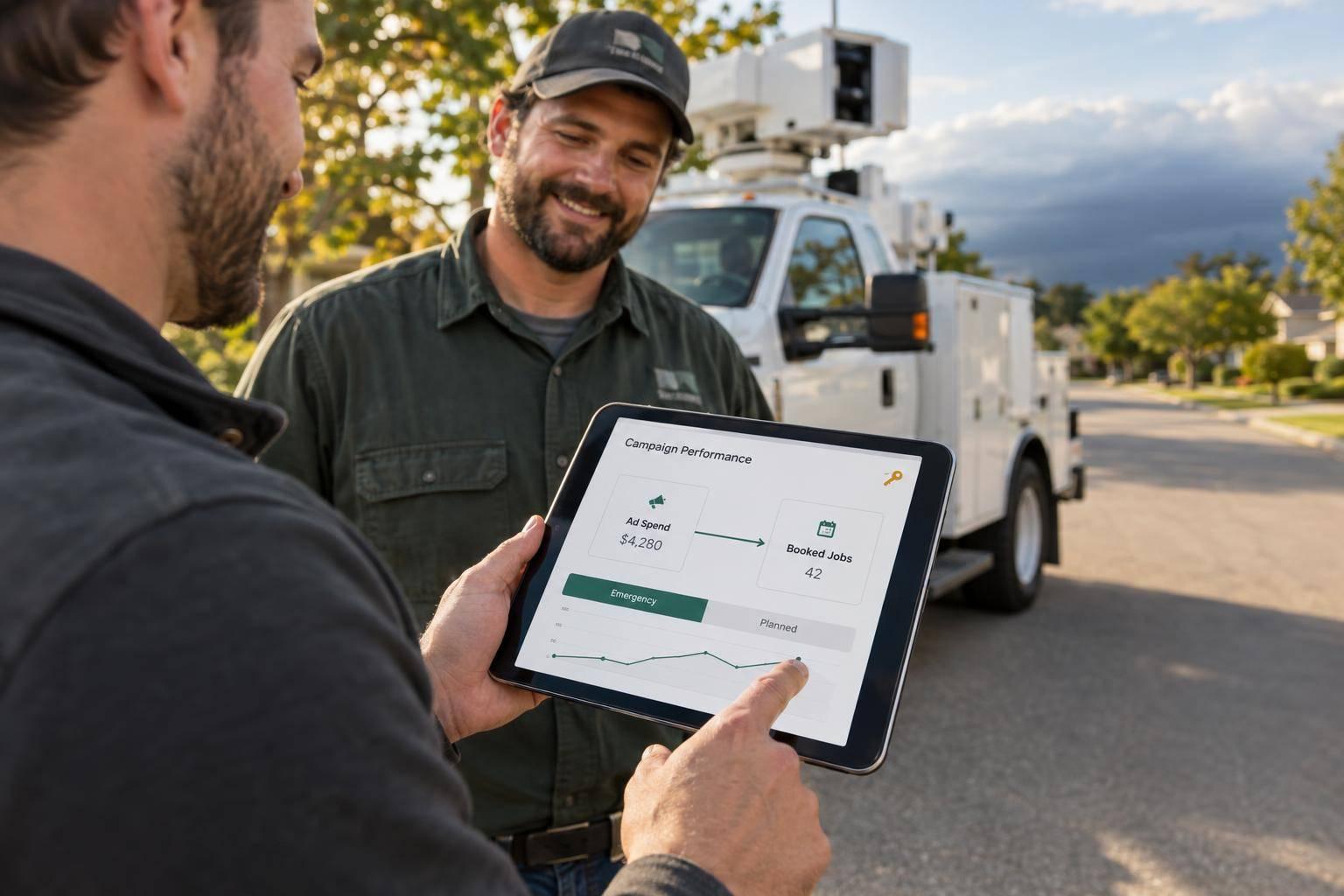
Choose a tree service marketing partner that connects ad spending to booked jobs - and helps urgent callers reach a person. Ask for a live after-hours call test, missed-call text follow-up, and a human-response target of under 5 minutes during staffed hours.
Before signing, check five things:
- Tree-service experience: Results from businesses with similar services, service areas, and crew capacity.
- Job tracking: Reports showing qualified leads, booked estimates, closed jobs, revenue, and cost per booked job.
- Storm-call handling: Named responders, backup coverage, safety rules, and routing changes when crews are full.
- Separate lead paths: Different campaigns and follow-up for emergency calls and planned work.
- Ownership and contract terms: Control of your accounts, website, tracking numbers, and lead data, with clear fees and exit terms.
Use these checks to compare agencies, including Estatehub, against what your business needs - not just their lead counts.
Check Tree Service Experience and Job Tracking
Check Experience With Your Services and Area
Ask the marketing agency for case studies covering your services: removals, trimming, pruning, stump grinding, and storm cleanup. Each should show ad spend, qualified leads, and booked jobs. Check whether those businesses served similar areas and had similar crew and estimator capacity. Results from a larger business may not fit your schedule.
Have the agency explain how ZIP code targeting and seasonal demand guide its campaigns. How does spending change when your crews are full? What if you want dormant pruning jobs booked 6 to 8 weeks ahead to fill open crew time? The plan should match the work you can take on.
Then check whether the agency can connect that spending to booked jobs.
Track Spend to Booked Jobs
Request a walkthrough showing how Google Ads, Google Local Services Ads, local SEO, and call tracking connect to CRM records. Follow a lead through New Lead → Contacted → Estimate Booked → Job Won. Reports should show collected revenue by source and service, so removal revenue doesn't hide poor returns on smaller pruning or trim jobs. Agree on whether first-touch or last-touch attribution gets credit for each job.
Define a qualified lead in writing, and confirm that leads are exclusive to your business. Review missed calls, duplicates, and unanswered inquiries weekly, with clear rules for counting each. Keep management fees separate from media spend, and spell out which costs go into cost-per-job reporting.
Next, confirm who owns the accounts and tracking.
Confirm Account Ownership and Setup Duties
Put responsibilities in writing for campaign management, website updates, CRM setup, call routing, and reporting. Document your ownership of your Google Business Profile and your admin access to your domain, website, Google Ads, Local Services Ads, Google Analytics 4, and tracking numbers. Make sure that access allows you to change call routing during storm surges.
Specify your rights to export data and transfer tracking numbers. Before signing, review cancellation terms and any transfer clause. Use this guide to choosing an SEO company for a home service business for related vetting questions.
With reporting and ownership covered, test how the agency handles urgent storm calls.
sbb-itb-2aa0348
Test Emergency and Storm-Response Lead Handling
Once ownership and tracking are confirmed, stress-test the storm-call process. Ask the tree service marketing agency to walk you through a storm inquiry, from the first call to routing and dispatch handoff. Then test the live after-hours process: let a call go unanswered, reply to the text, and confirm a human follows up if the CRM misses the lead. A workflow diagram alone doesn’t prove coverage.
Use this checklist to judge whether the process is ready for storm calls.
| Lead handling | Basic setup | Storm-ready setup |
|---|---|---|
| Storm-call routing | Staff notification; no owner | Named storm queue owner, backup, and escalation point |
| Missed-call follow-up | Voicemail or manual callback | Instant text-back |
| Storm response tracking | Measured from CRM assignment | Measured from original receipt time |
| Emergency intake | Name and phone only | Address, damage type, blocked access, hazards, and urgency |
| Storm-lead escalation | Manual inbox monitoring only | Backup alerts for unanswered storm leads |
Treat these differences as things to test - not just features to check off.
Test After-Hours Routing and Missed-Call Texts
Confirm who owns the storm-call queue, who takes over, and who gets alerted if neither responds. Check that callers’ text replies reach a monitored inbox. The missed-call text-back should state when a callback is available, not promise immediate dispatch.
Measure Response Time
Start the clock when the storm inquiry first arrives - not when the CRM assigns it. For each storm lead, log the automated acknowledgment, first human contact attempt, and first two-way conversation separately.
Set a response target of under 5 minutes during staffed hours. Agree on after-hours storm-response targets and escalation rules, too. Review storm-call missed-call rates, contact rates, bookings, and the oldest unanswered storm requests rather than relying on averages alone. This speed-to-lead guide explains why those delays matter.
Set Storm Intake and Crew Capacity Rules
Require storm intake to record the address, damage type, blocked access, hazards, and urgency. Safety and dispatch rules should send utility-line hazards to the appropriate utility or emergency service - not a sales queue.
Require a defined process for updating service areas, availability messages, and routing when crews reach capacity.
Separate Emergency Leads From Planned Work

Tree Service Marketing: Emergency vs. Planned Leads
After reviewing storm-response handling, check whether the tree service marketing agency separates urgent leads from routine requests. That split helps teams respond faster, track where jobs come from, and prioritize crews. It should carry through campaigns, intake, follow-up, and reporting.
Separate Campaigns, Pages, and Intake
Keep storm, removal, and pruning campaigns separate, and route removal requests by urgency. This ties lead costs to the work they produce, rather than mixing large removal jobs with smaller trimming jobs.
| Emergency leads | Planned leads |
|---|---|
| What they search: Storm damage, fallen trees, dangerous limbs | What they search: Pruning, maintenance, scheduled removals |
| Page messaging: Availability, service boundaries, safety | Page messaging: Qualifications, scope, estimates, scheduling |
| Intake: Hazards and urgency | Intake: Scope, property details, preferred timing |
| Response expectations: Immediate routing to an on-duty responder | Response expectations: Business-hours estimate scheduling |
| Follow-up: Immediate human contact attempts | Follow-up: Estimate reminders and proposal follow-up |
| How success is measured: Job bookings, completed jobs, revenue | How success is measured: Booked estimates, close rate, revenue |
Use the same split for follow-up and reporting.
Set Follow-Up and Reporting by Lead Type
Build separate CRM workflows for emergency and planned leads. Match automated acknowledgments to the service each person requested.
Report qualified leads, booked estimates, completed jobs, revenue, and cost per booked job by urgency and service line. This keeps storm results from masking weak performance in planned work.
Use a Final Checklist Before Signing
Review Results, Duties, and Contract Terms
Once you’ve checked storm handling and lead separation, run through one last review before signing:
- Results: Ask for booked jobs, revenue, and cost per booked job tied to your account.
- Workflow: Request a live demo covering a staffed-hours call, an after-hours missed call, and an escalation. Check emergency and planned-work paths, two-way text replies, named on-call coverage, and surge rules. Ask for logs showing inquiry time, first contact, and outcome.
- Contract: Get setup fees, management fees, and cancellation terms in writing. Spell out who handles routing changes, availability updates, and lead follow-up.
- Ownership: Confirm ownership and exit access for your domain, website, Google Business Profile, ad accounts, tracking numbers, and lead data.
Review Estatehub Using the Same Checklist
Before signing, check Estatehub’s tree service marketing service page against the same checklist. Review emergency routing, follow-up settings, reports, and setup tasks, then confirm what your agreement includes.
FAQs
How can I verify a tree service marketing agency’s results?
Measure closed jobs - not clicks or inquiry volume. Calculate cost per booked job by dividing your total marketing investment by the number of jobs closed. Track trimming, removals, and storm emergencies separately.
For every inquiry, record its source, response time, and attributed revenue. Test intake both during and after business hours to check that inquiries reach your CRM, source tags are correct, and follow-ups happen promptly. Compare intake records with agency reports to spot delivery problems or gaps in lead quality.
What if my team can’t answer storm leads quickly?
A slow response can cost you jobs. Set up your CRM to send an instant text or email that names your business, confirms you received the request, and explains what happens next.
When your team is unavailable, use after-hours call routing, backup alerts, and scheduling links or forms to collect requests. Test these systems regularly to make sure unanswered leads reach a manager or backup contact - not an inbox no one checks.
How should I split my budget between emergency and planned jobs?
Keep storm-response reserves separate from your routine marketing budget. Set spending based on crew capacity - not total demand - because emergency jobs need immediate dispatch.
Track cost per booked job separately for emergency and planned work. High-ticket removals can justify higher lead costs than small pruning jobs.
When crews are at capacity, reduce or pause emergency campaigns. Shift spending toward the channels and services that consistently bring in the most closed jobs.
Related Blog Posts

Sign up for the newsletter and be the first to read our articles.